 CrewDeck

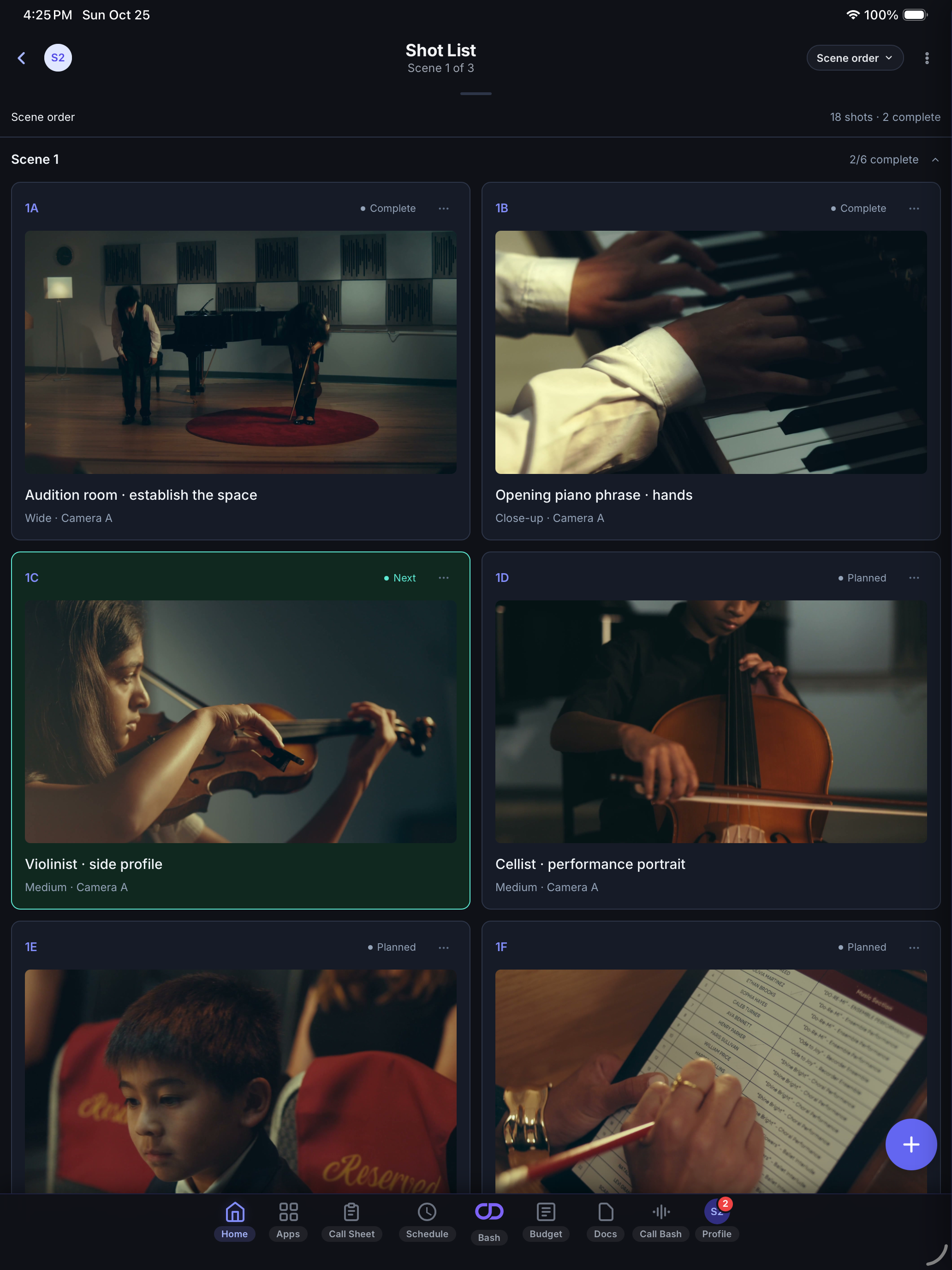
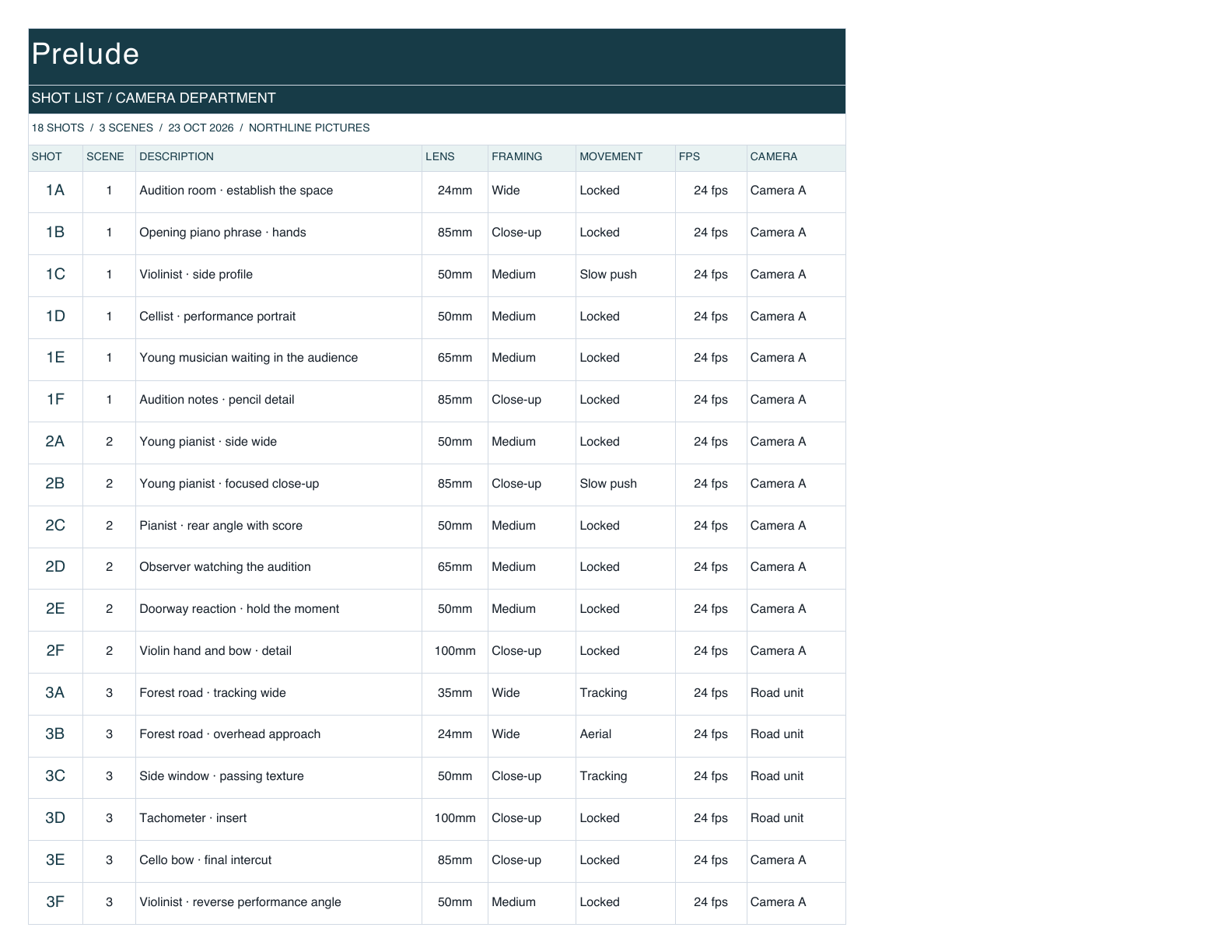
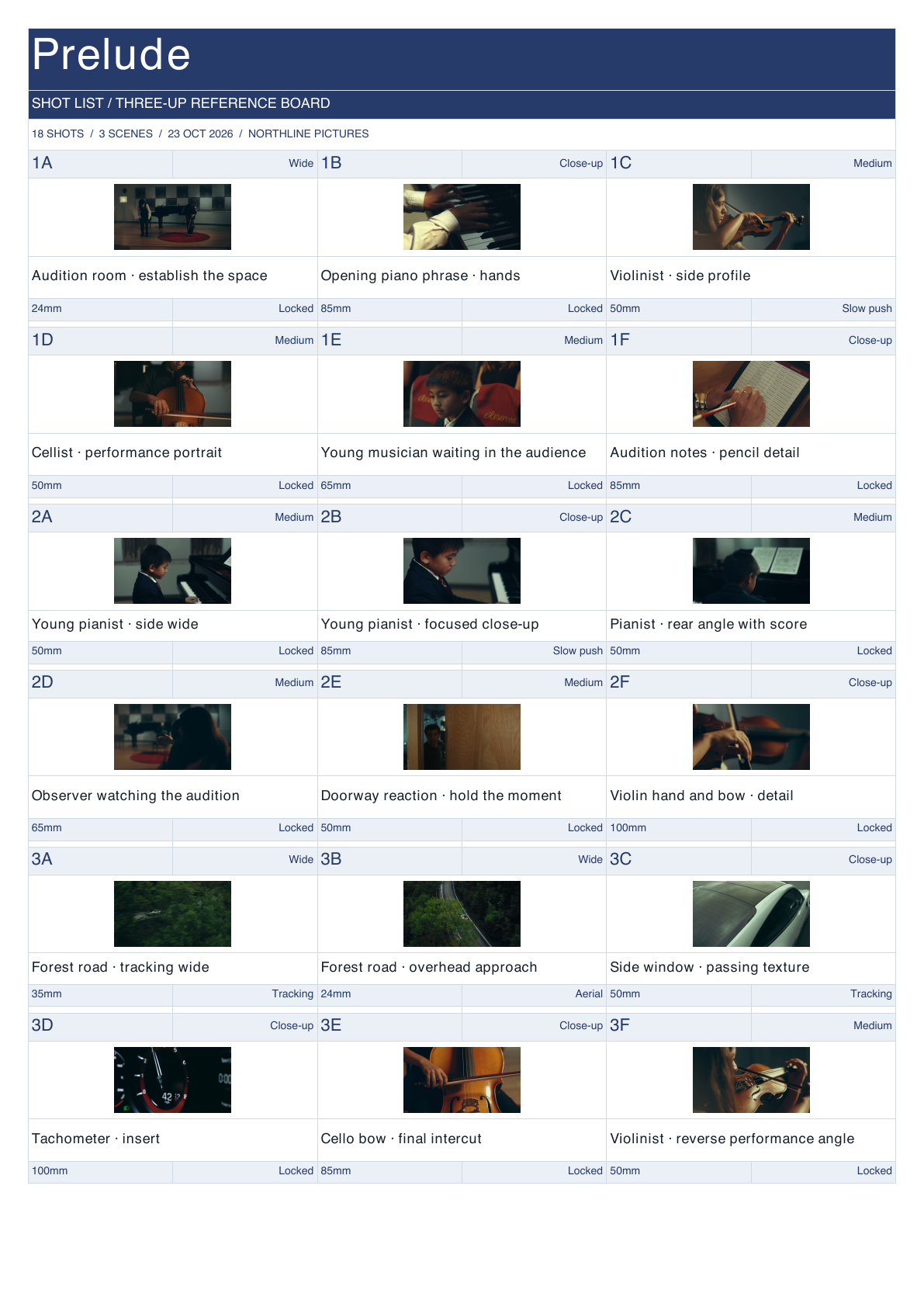
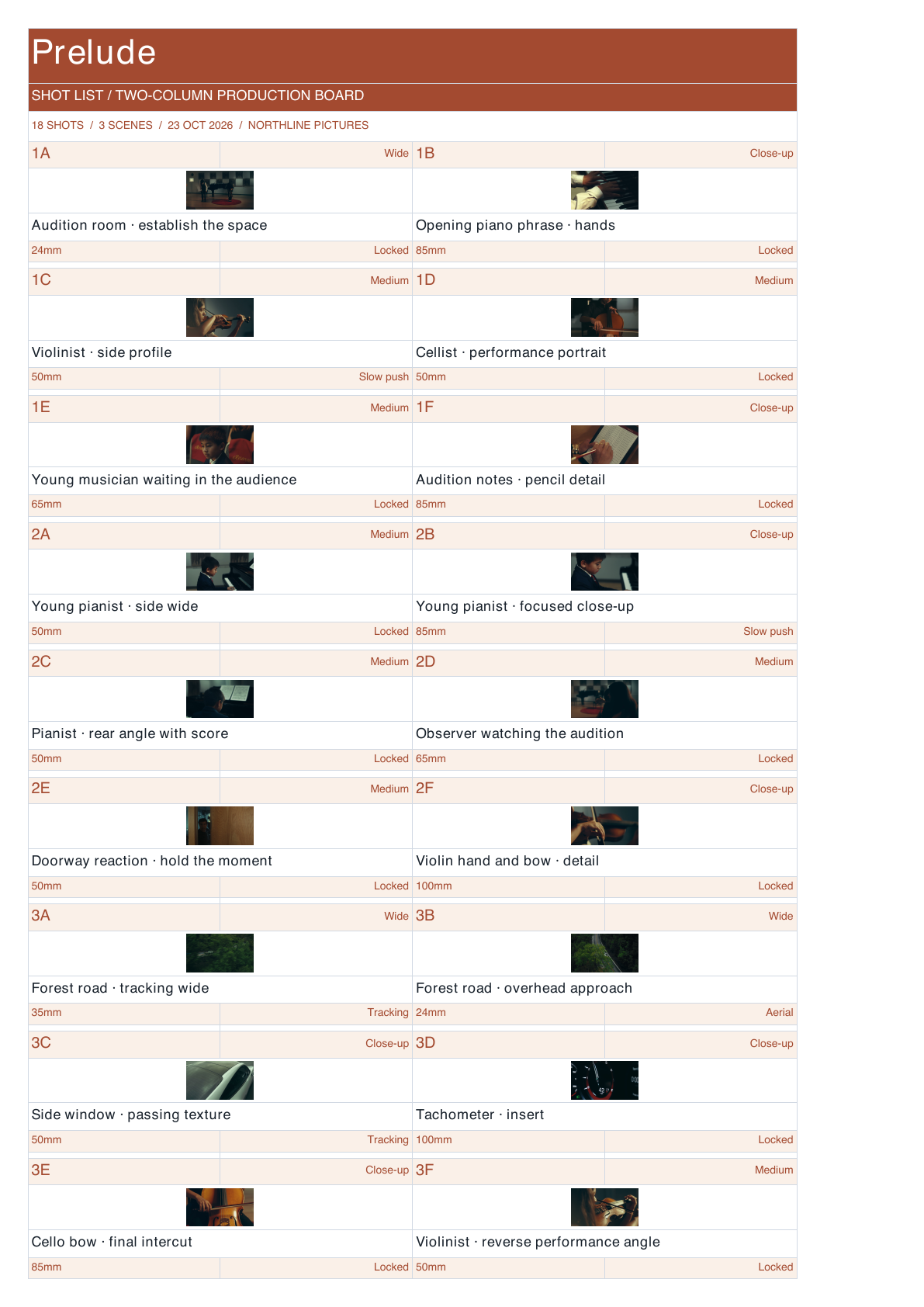
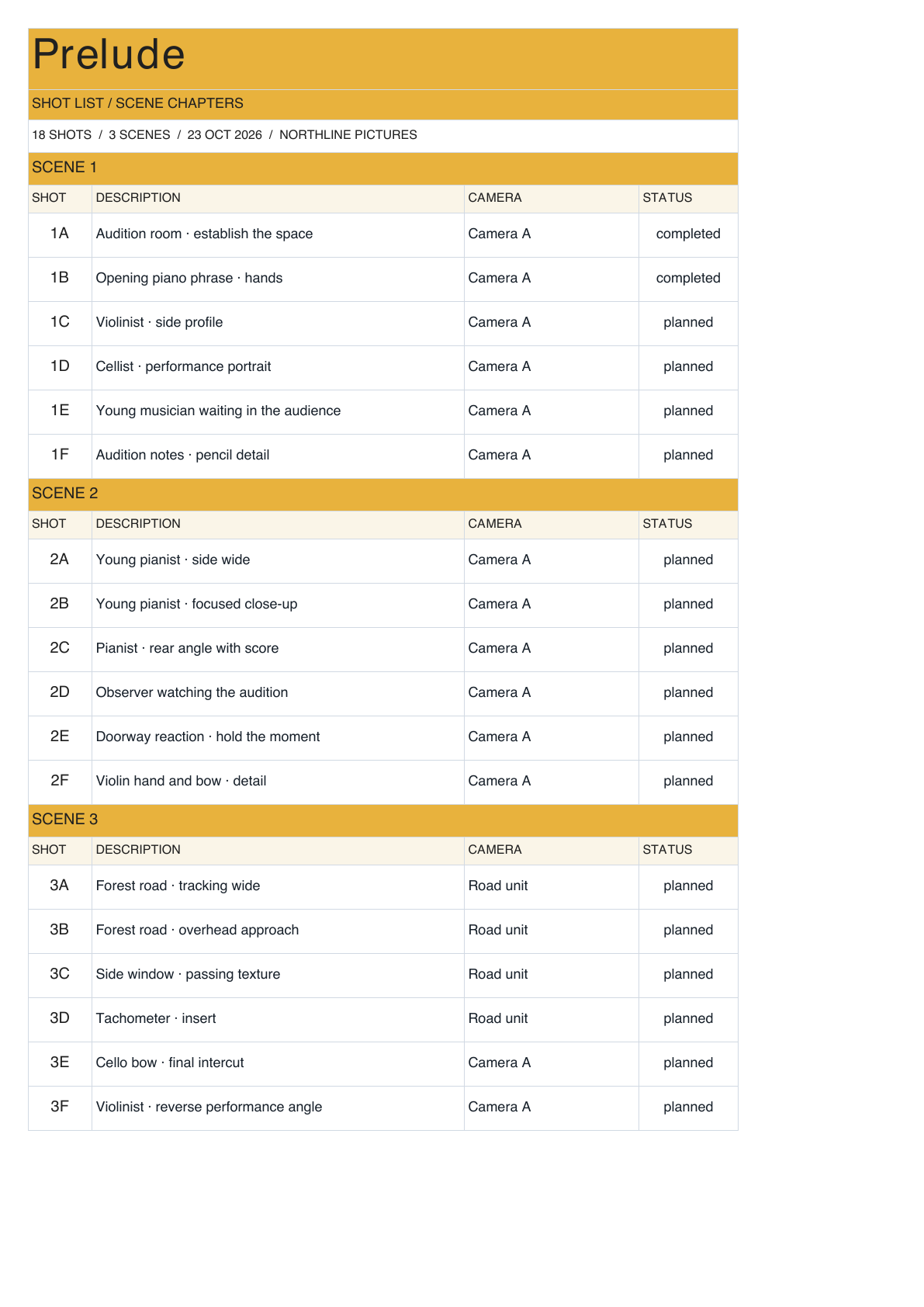
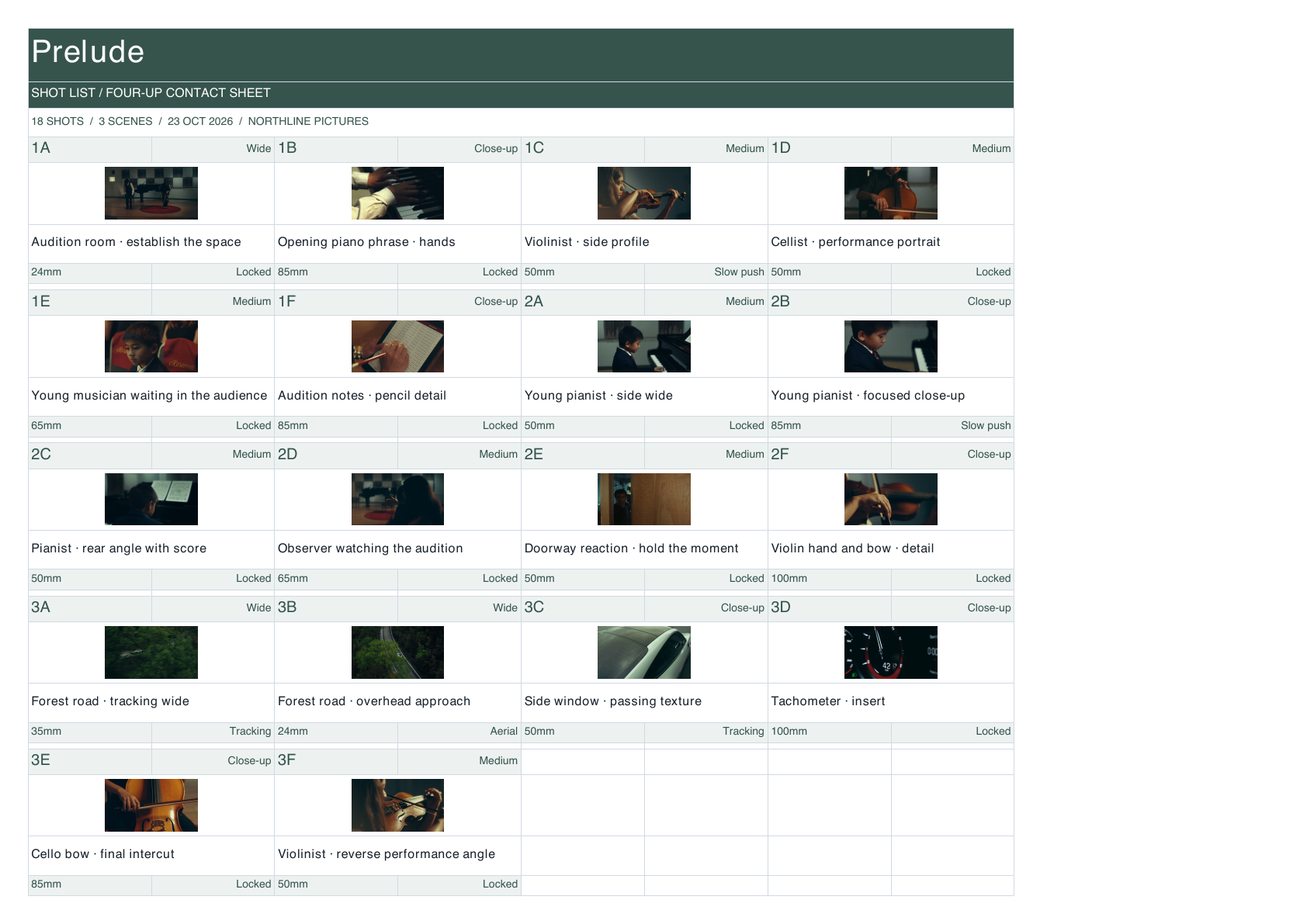
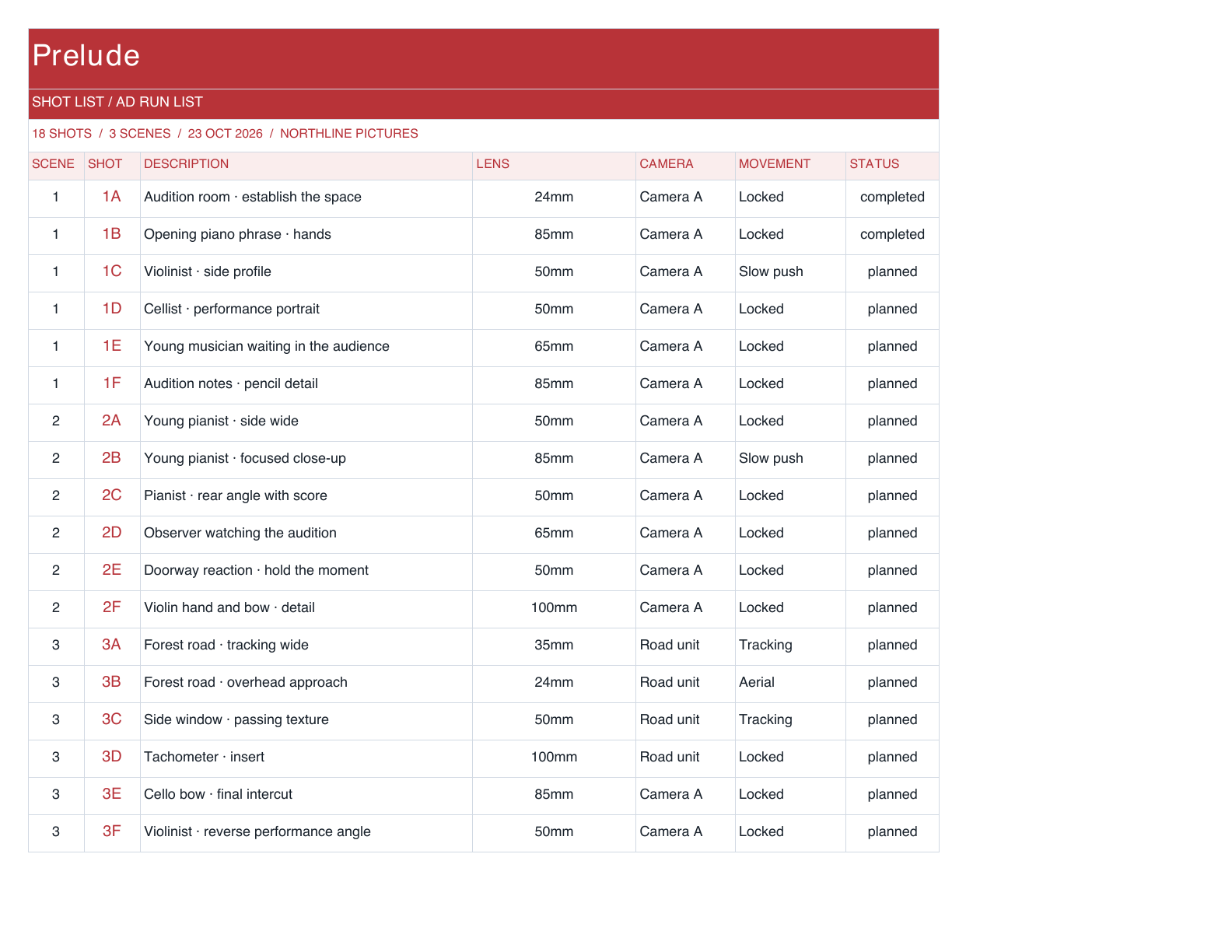
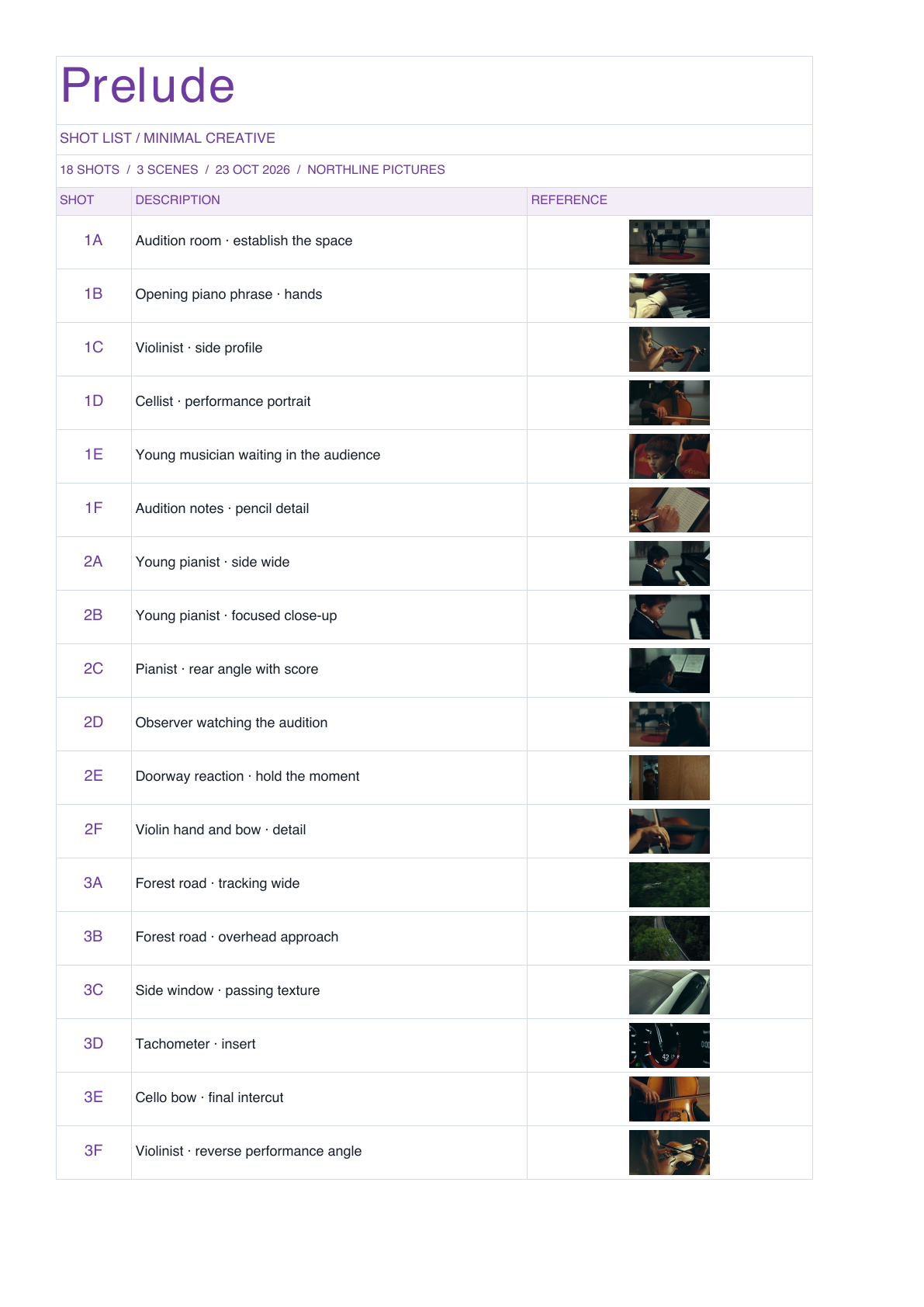
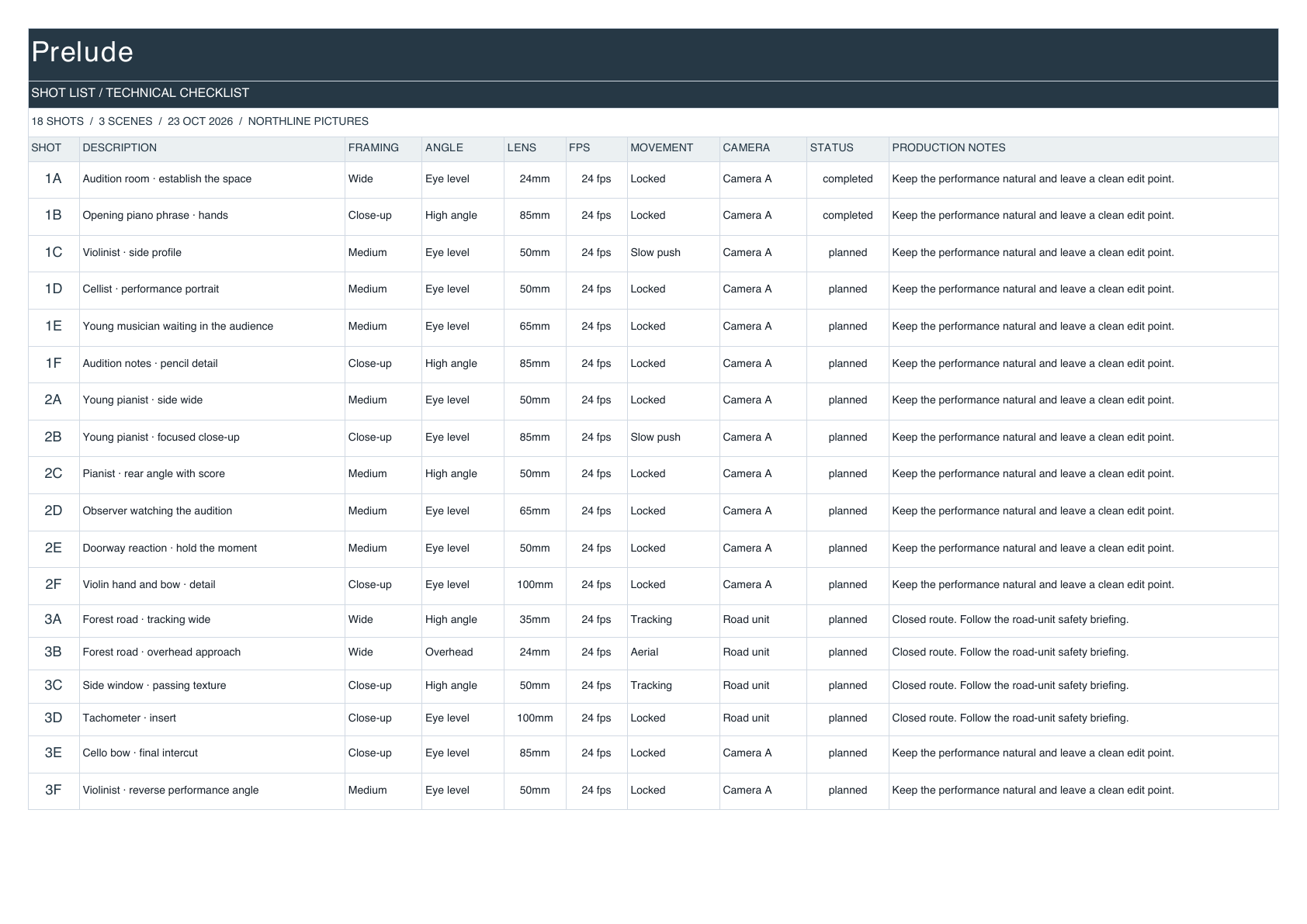
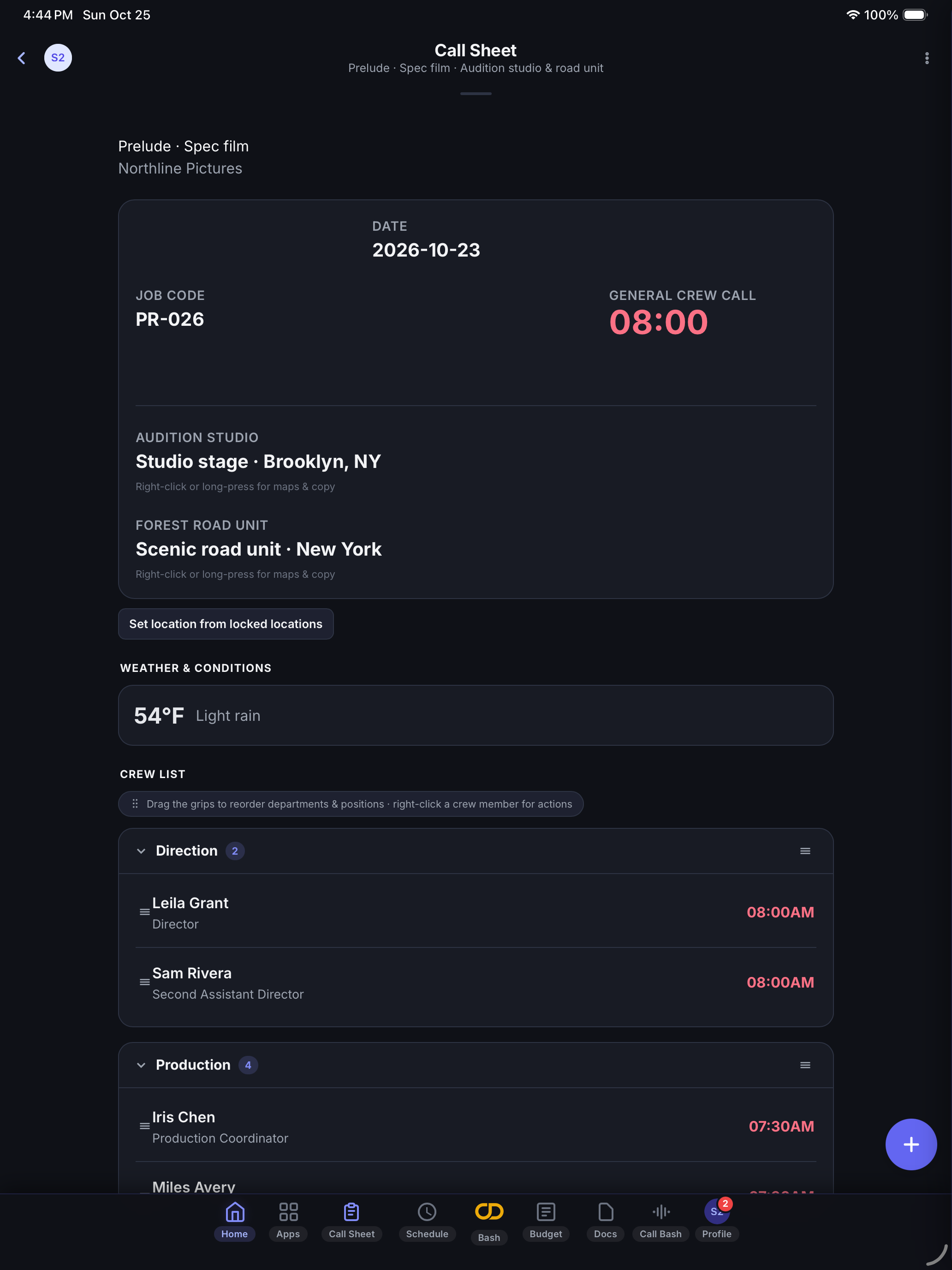
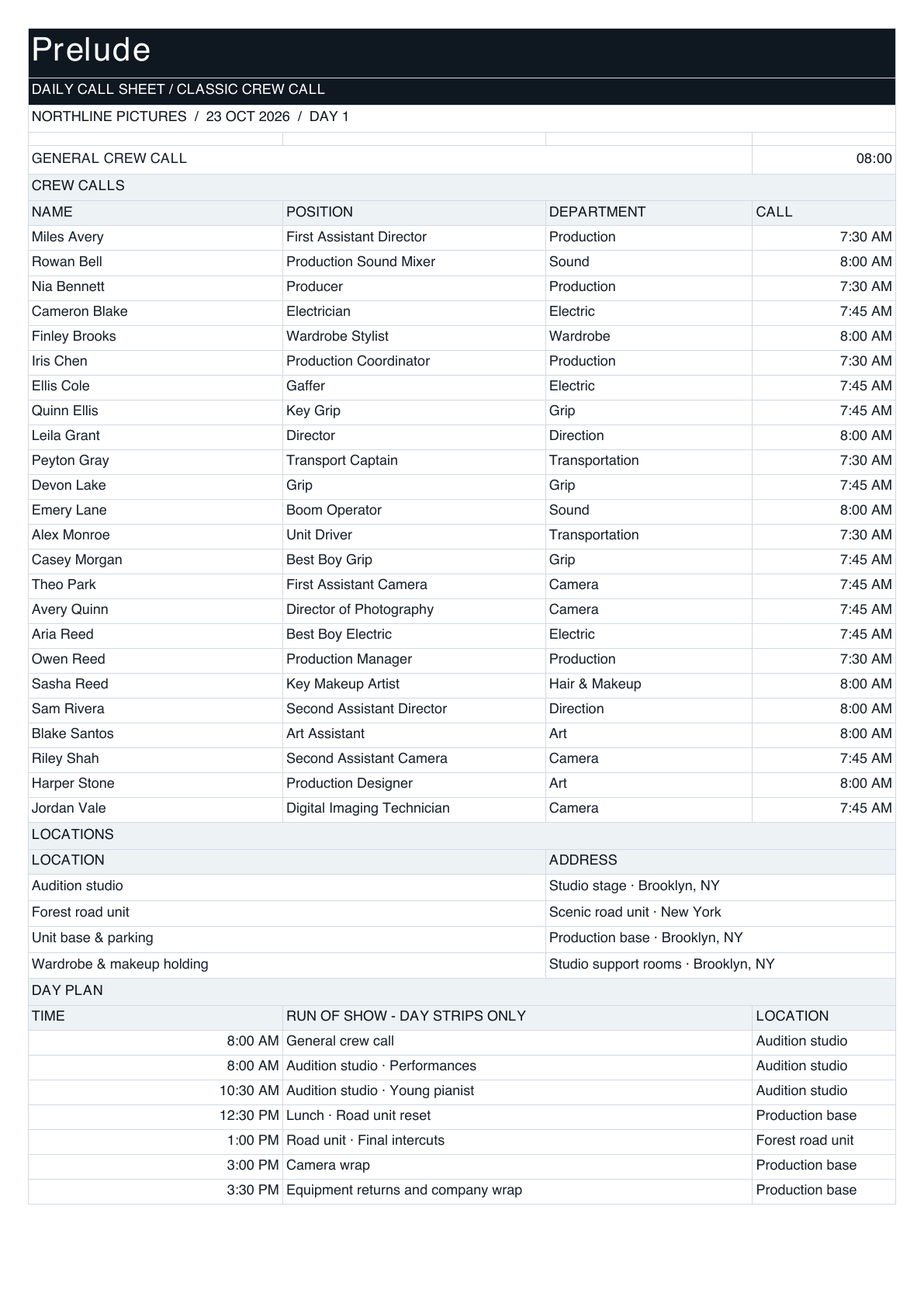
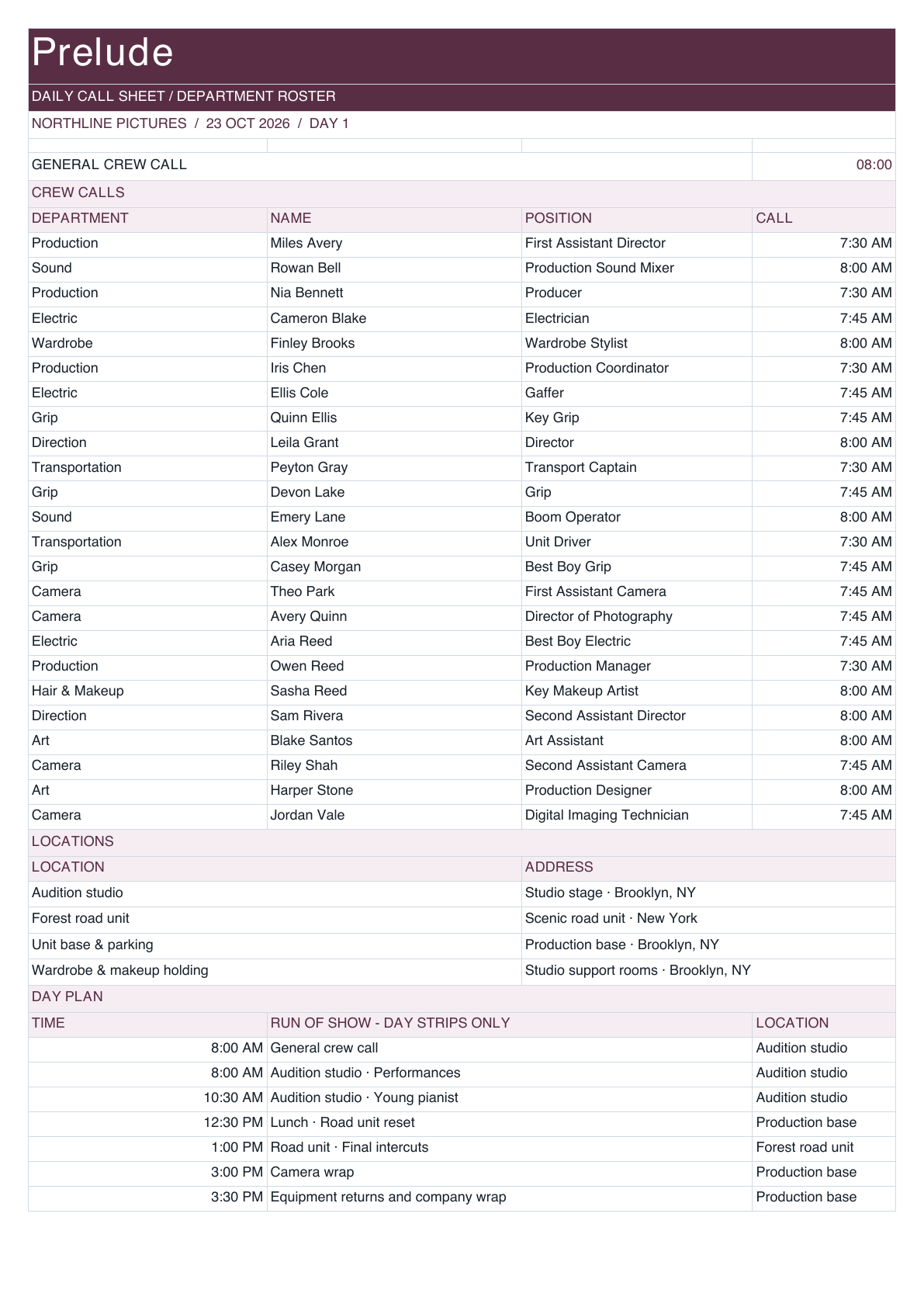
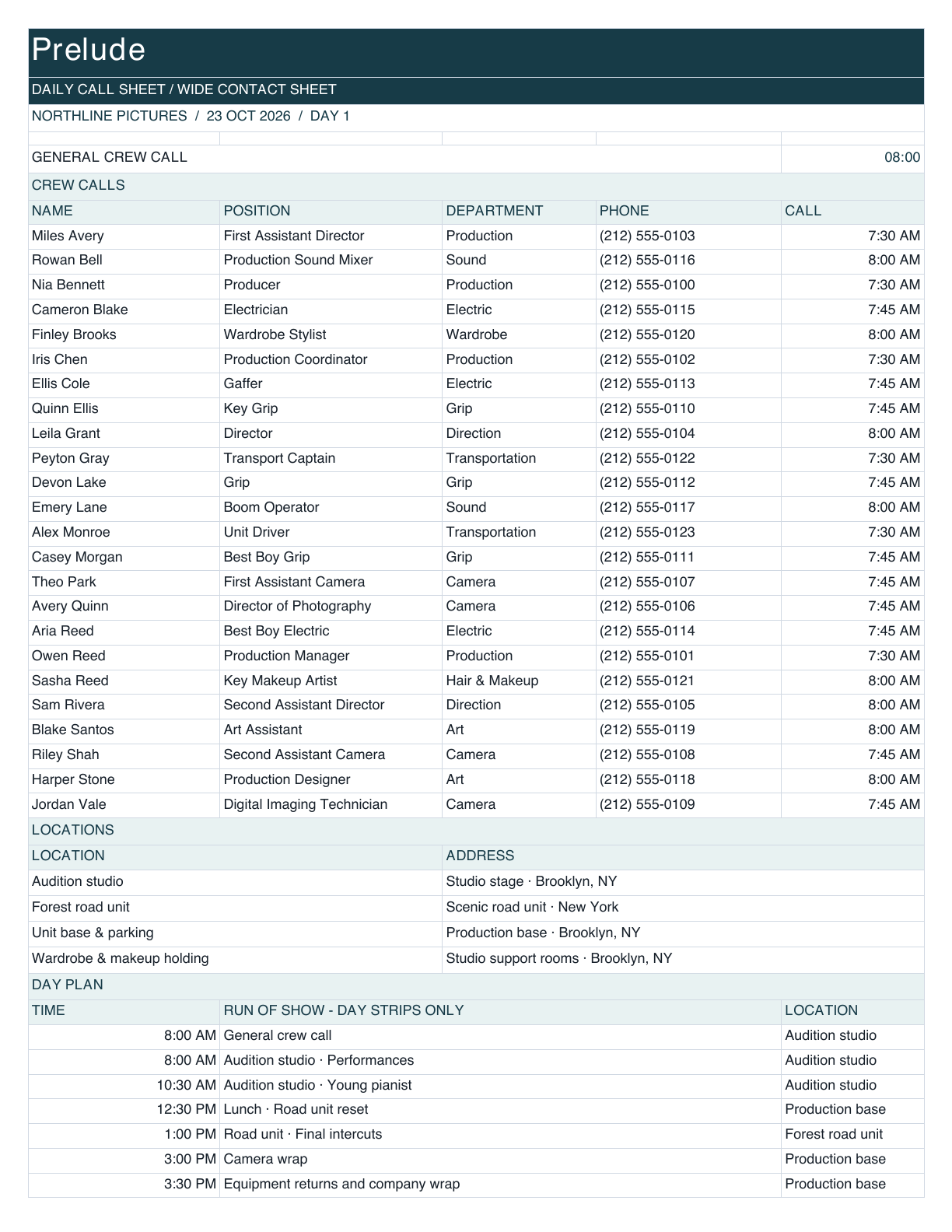
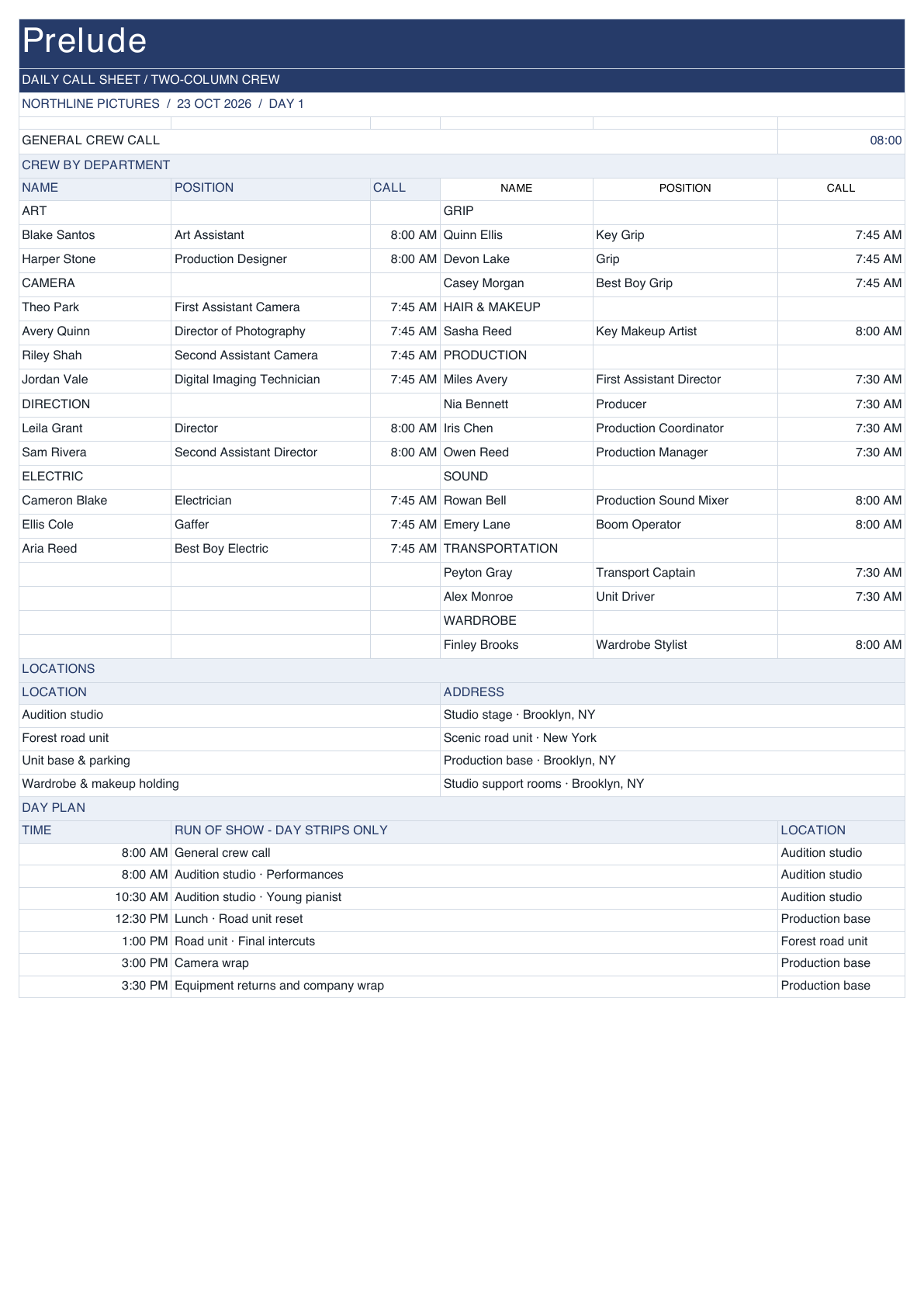
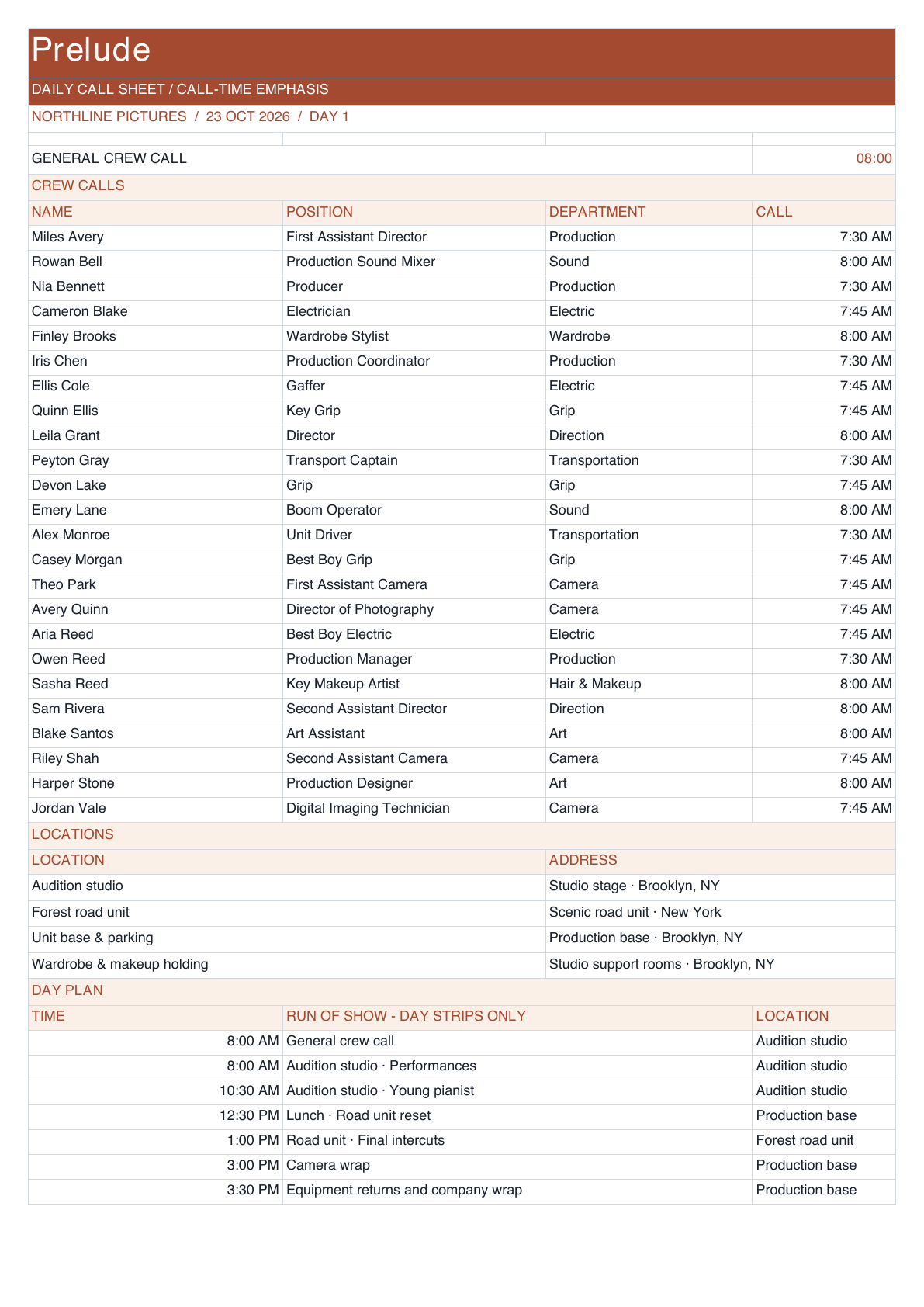
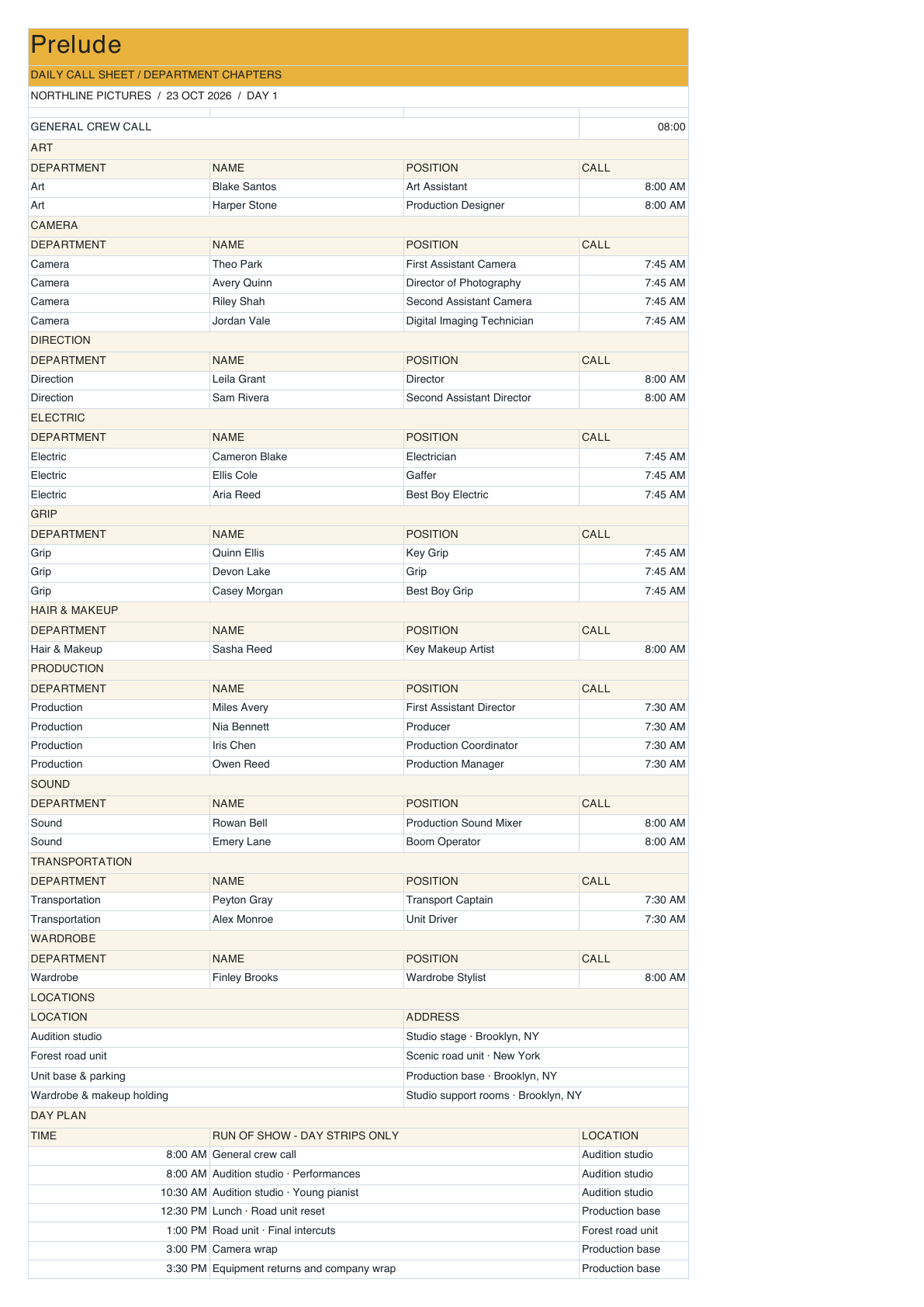
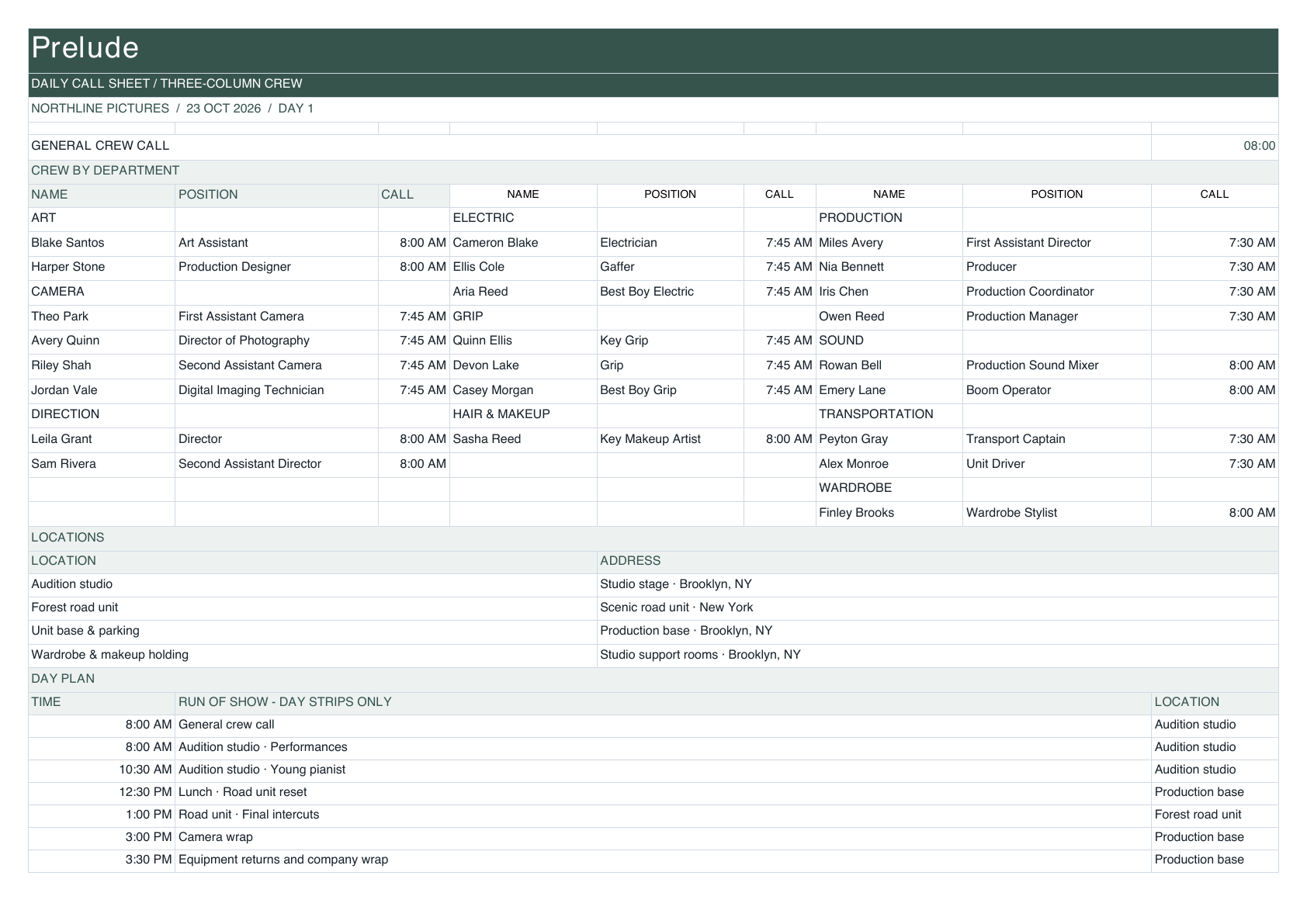
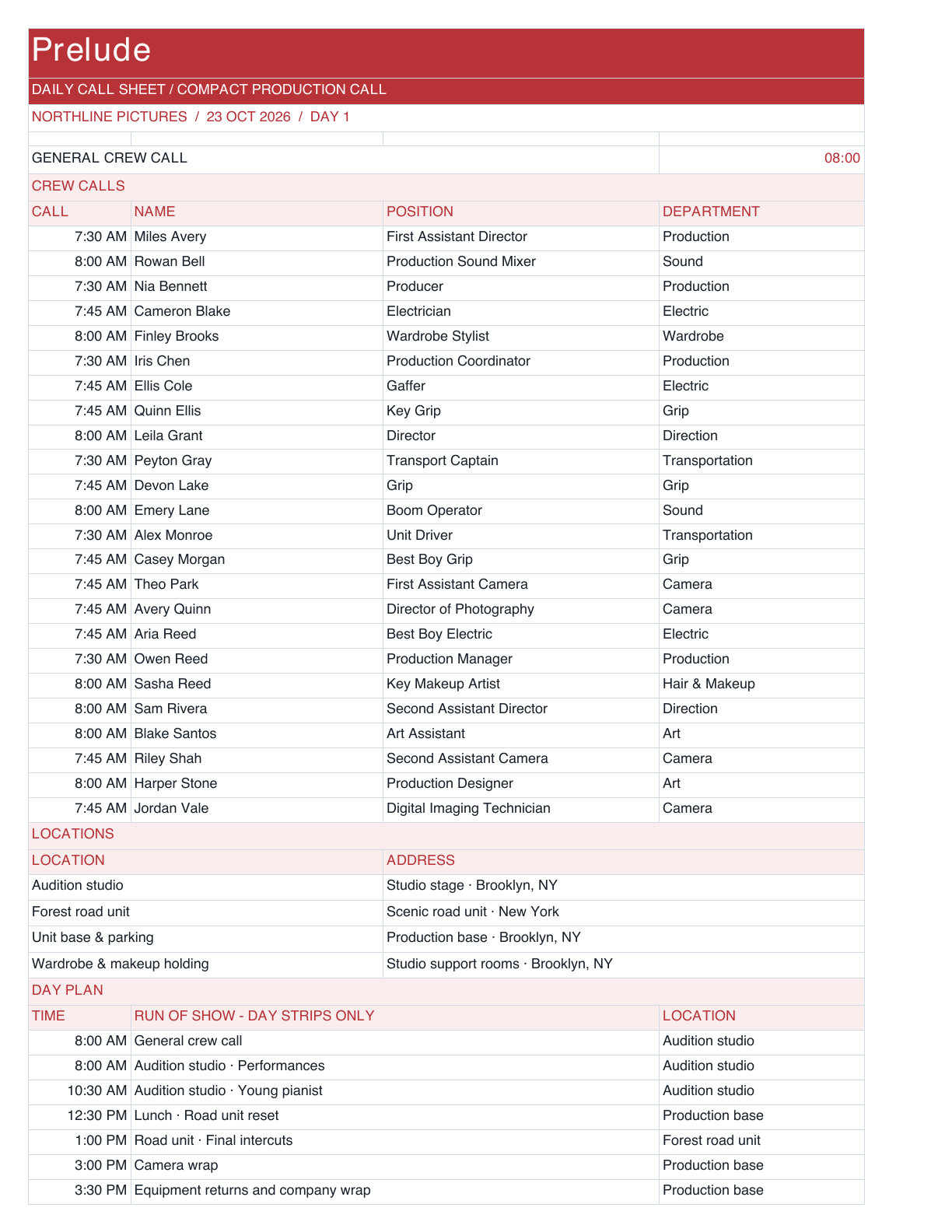
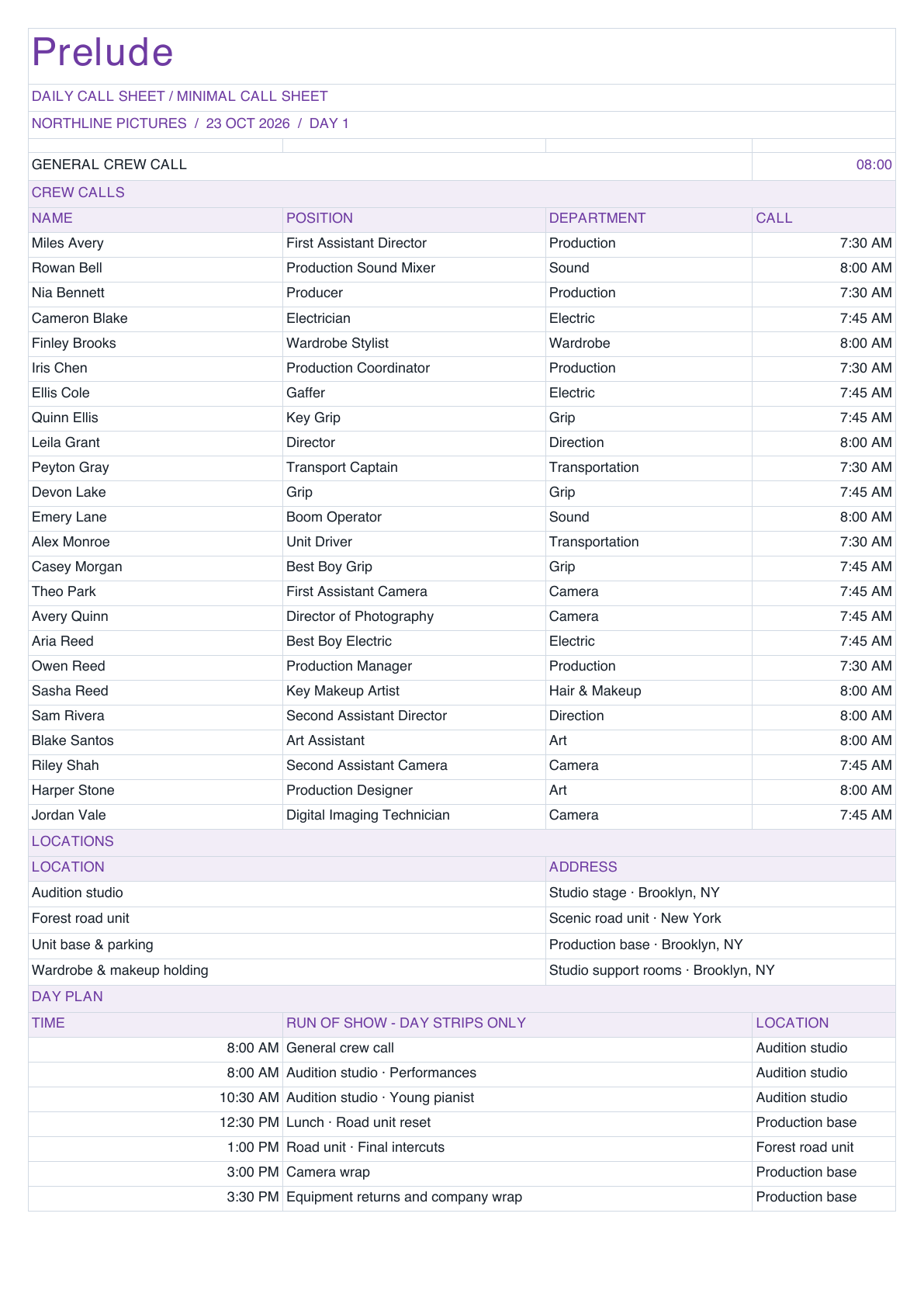
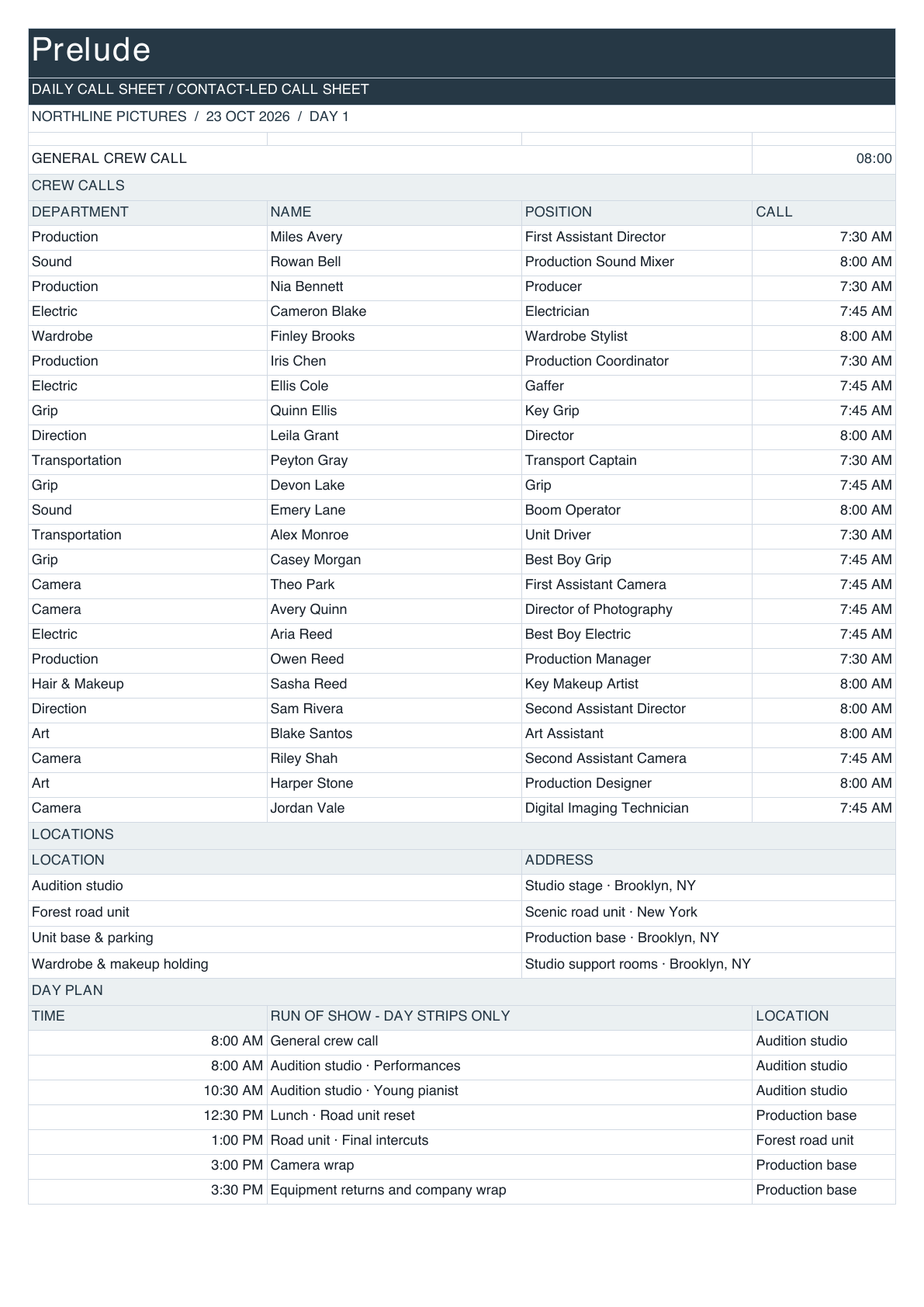
Every company, organized.
Keep each company’s files, folder structure, branding, and assigned documents in one familiar workspace.
The production process you know.
Built to run more efficiently.
Every company’s files and standards.
One familiar place to work.
Features
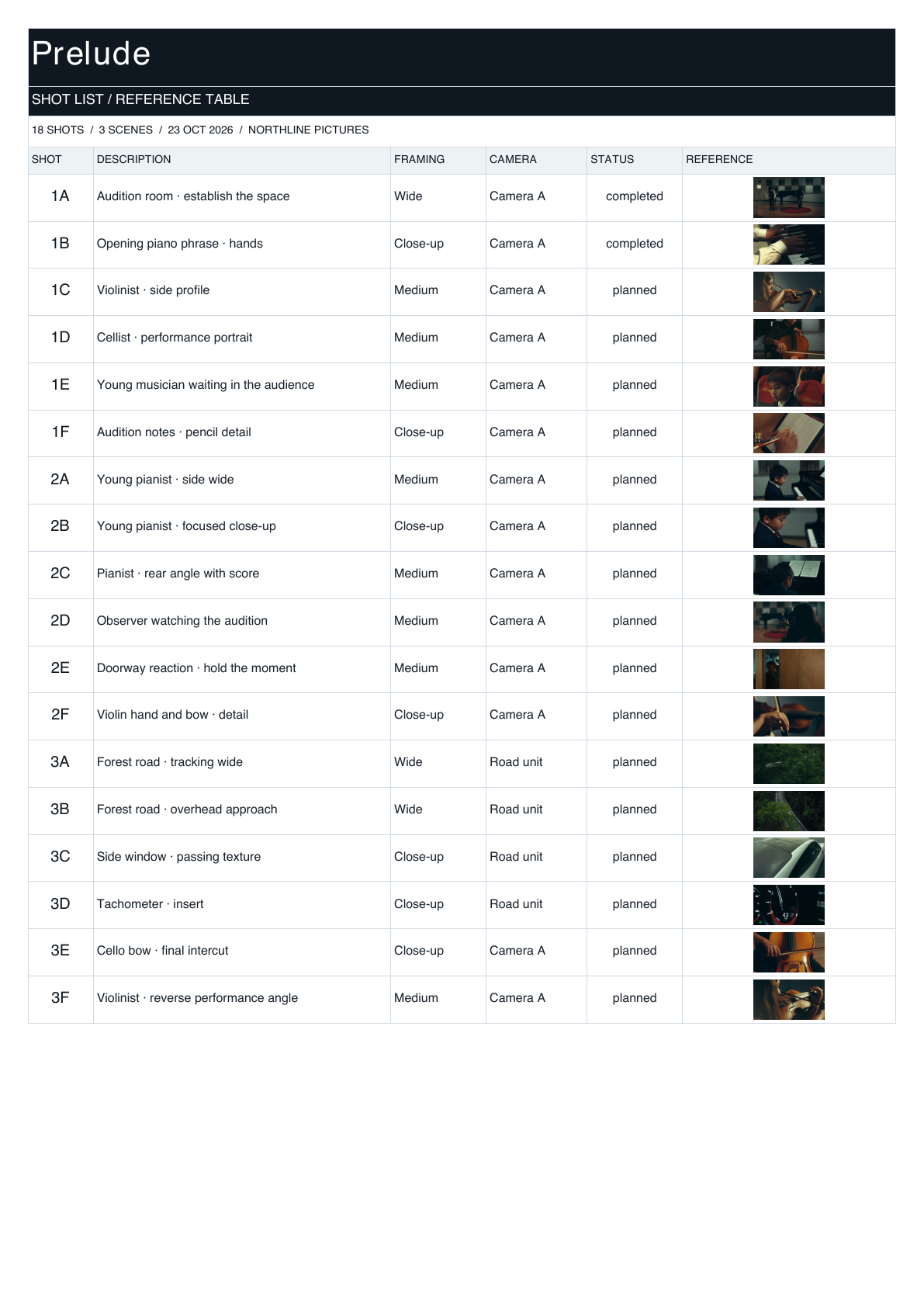
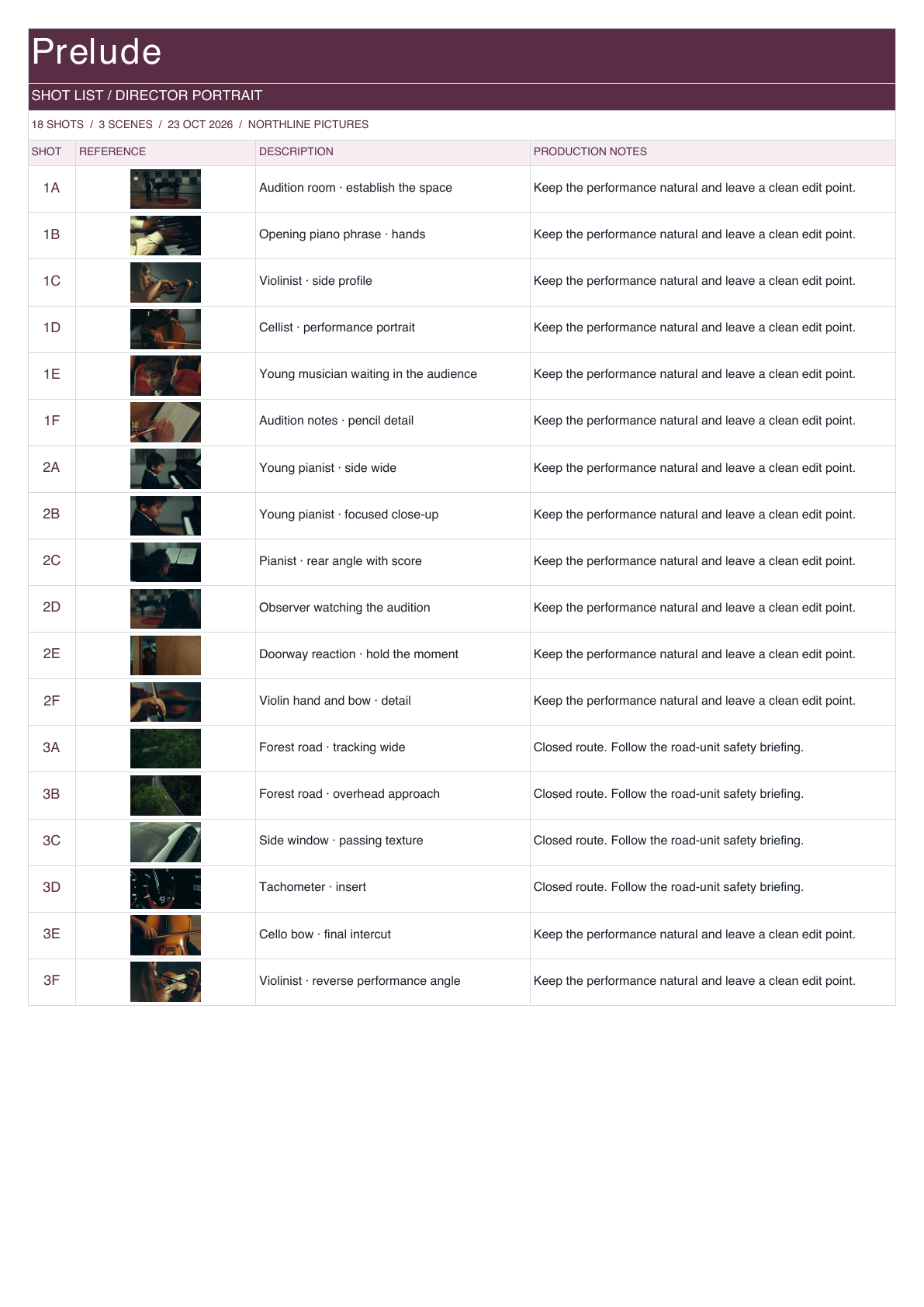
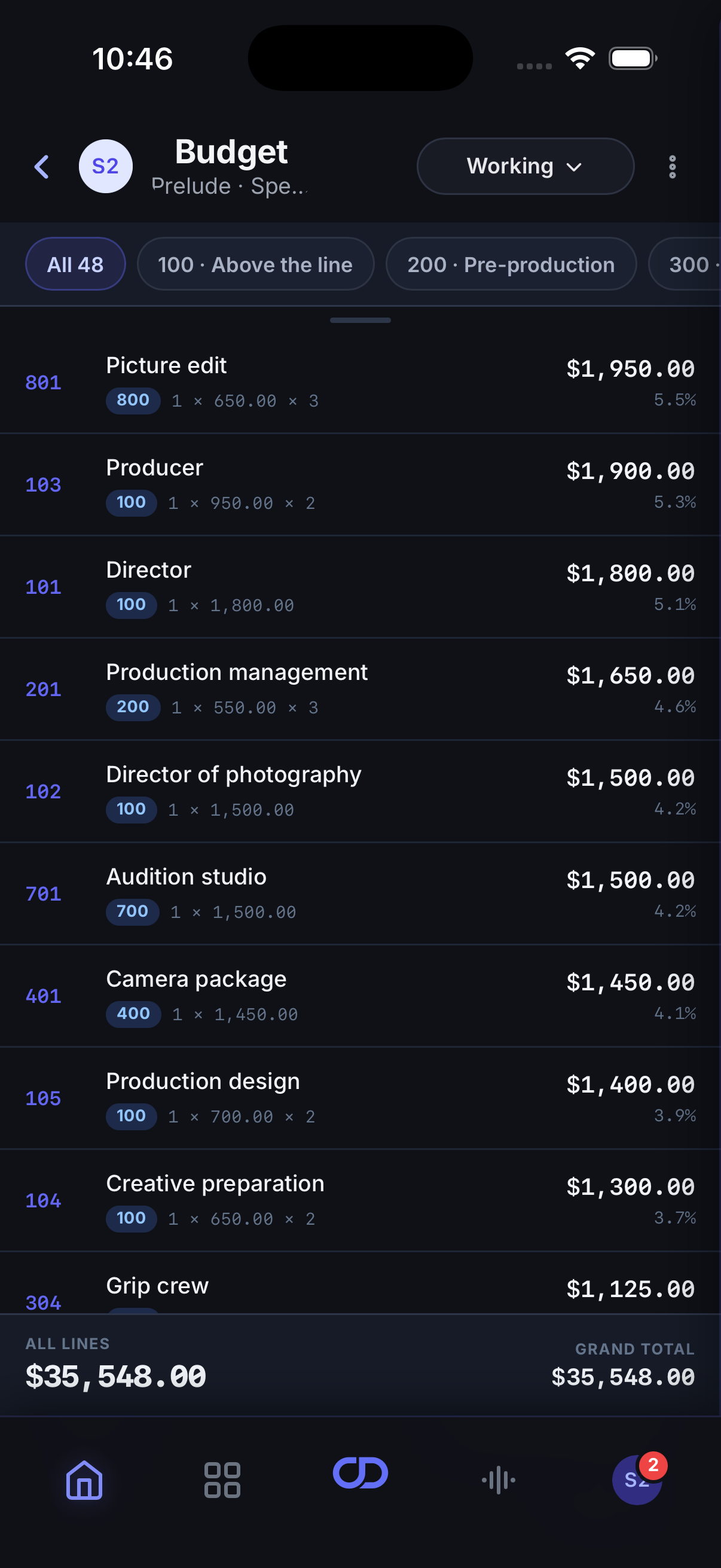
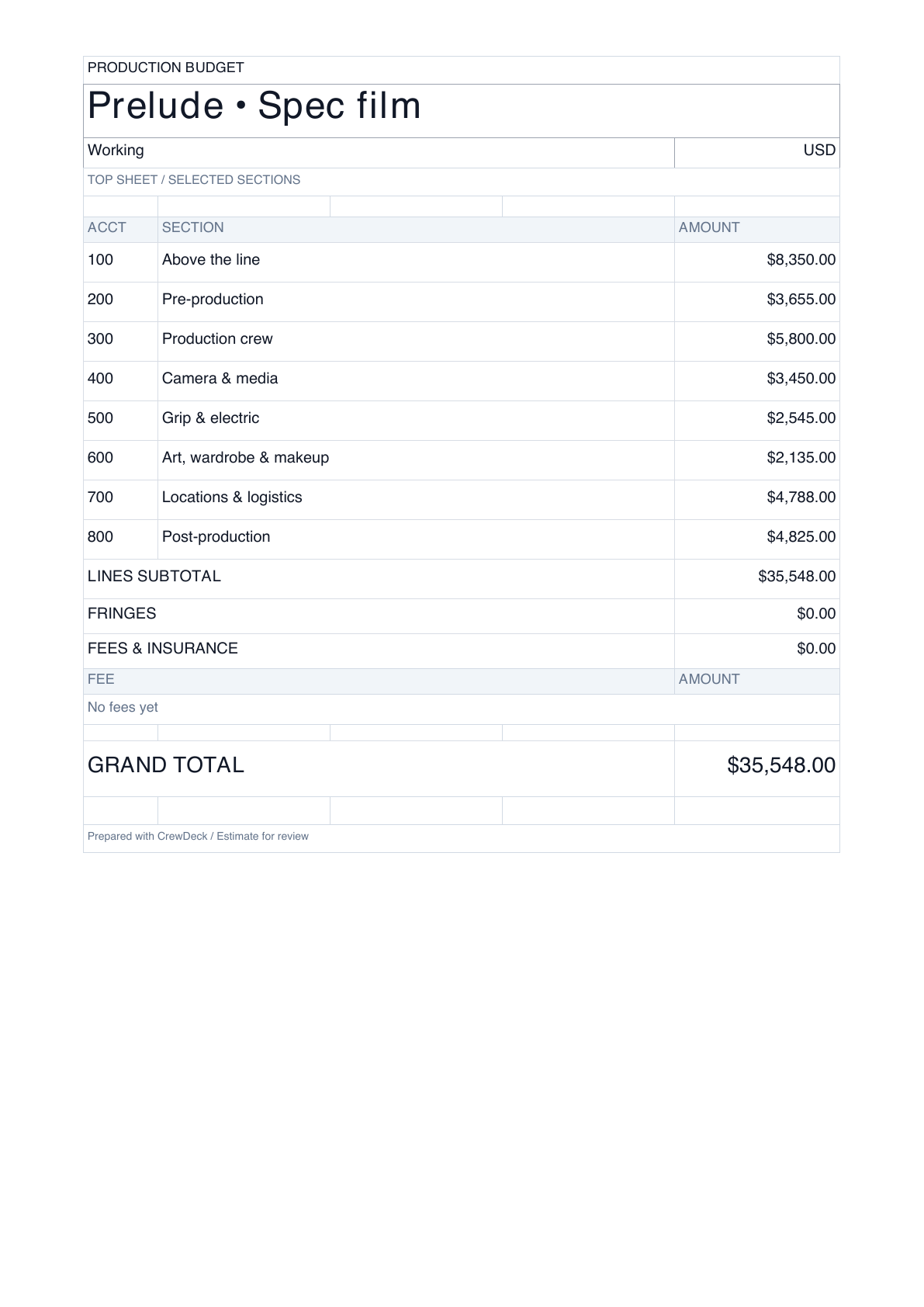
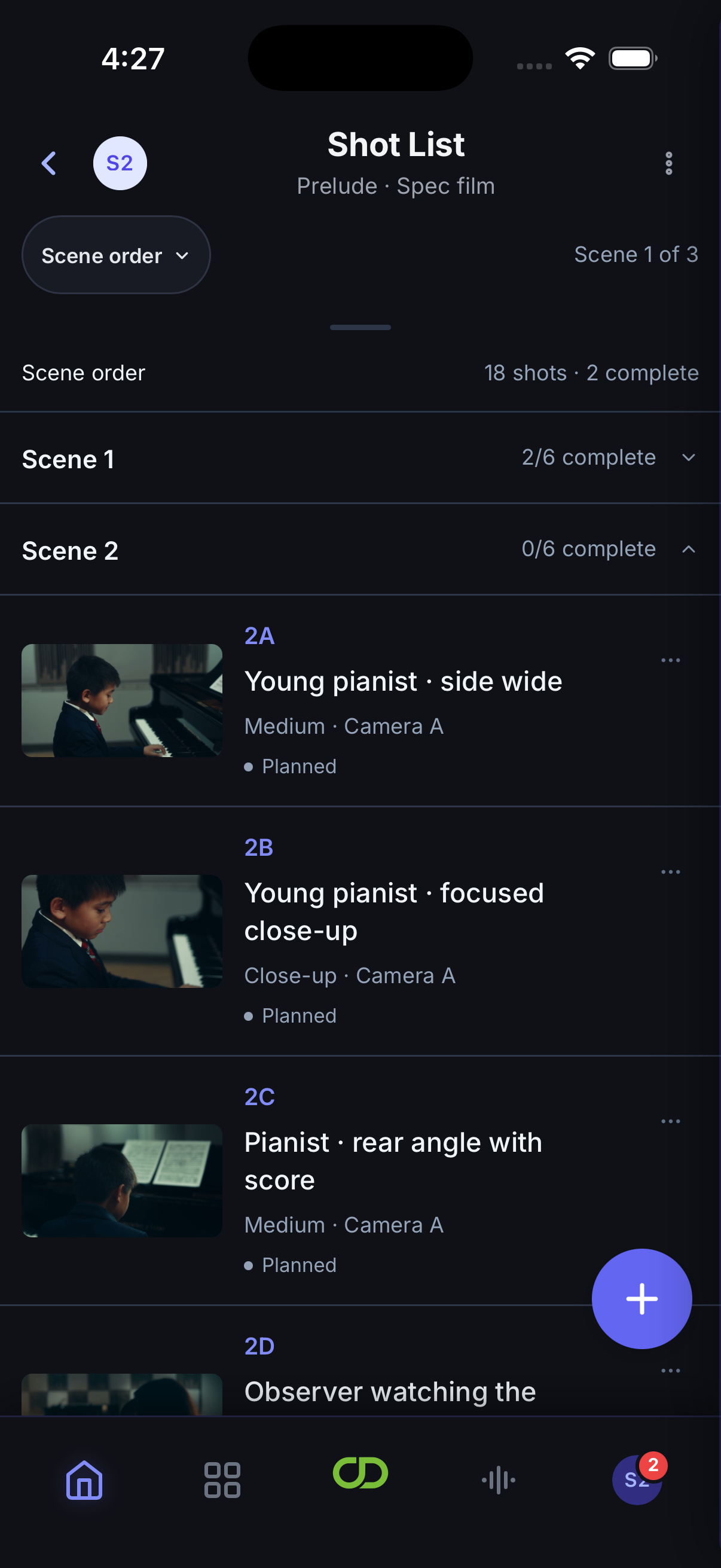
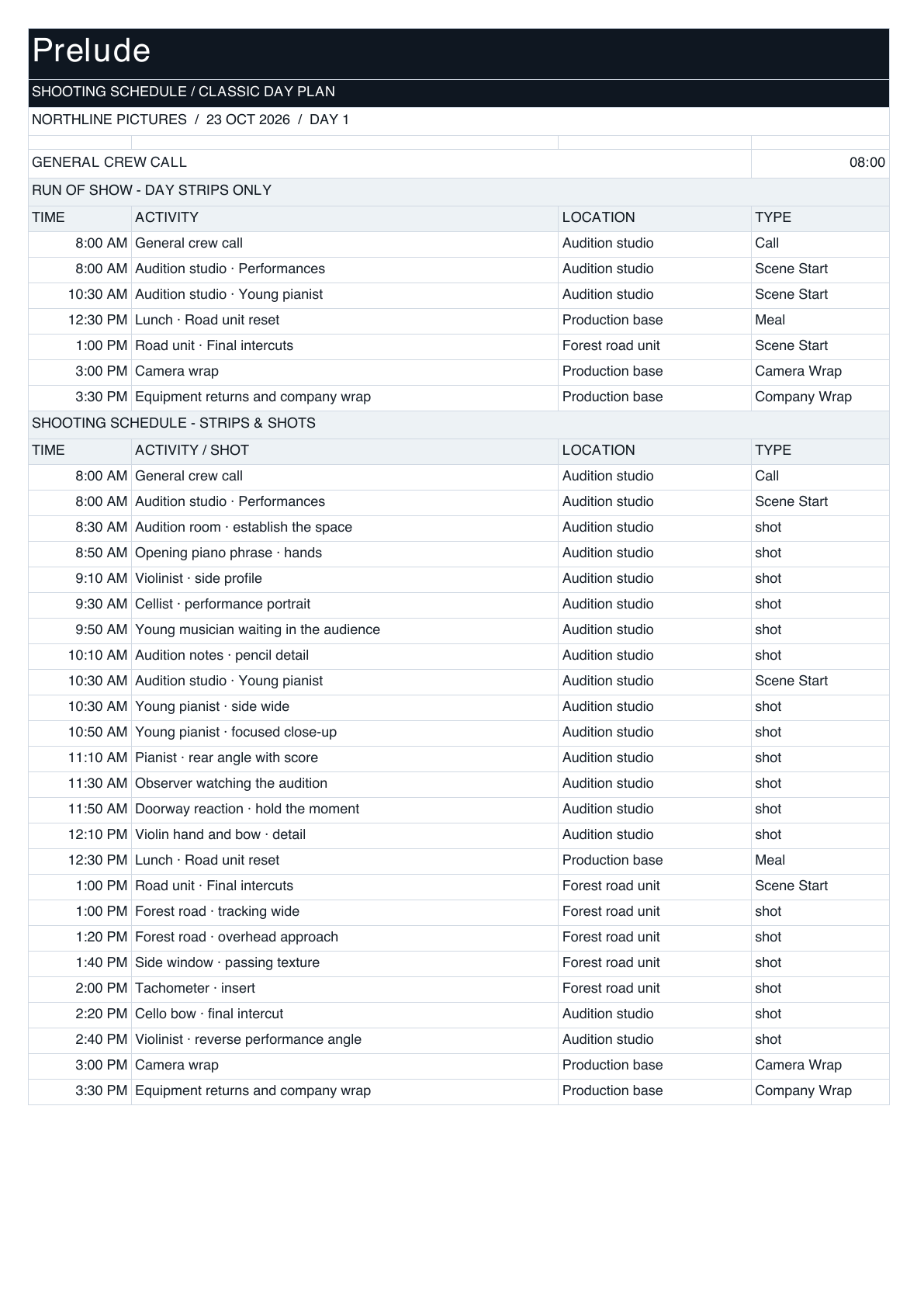
Adapt schedules, shot lists, call sheets and budget summaries to each production company’s layouts and branding, with your production data connected.
01
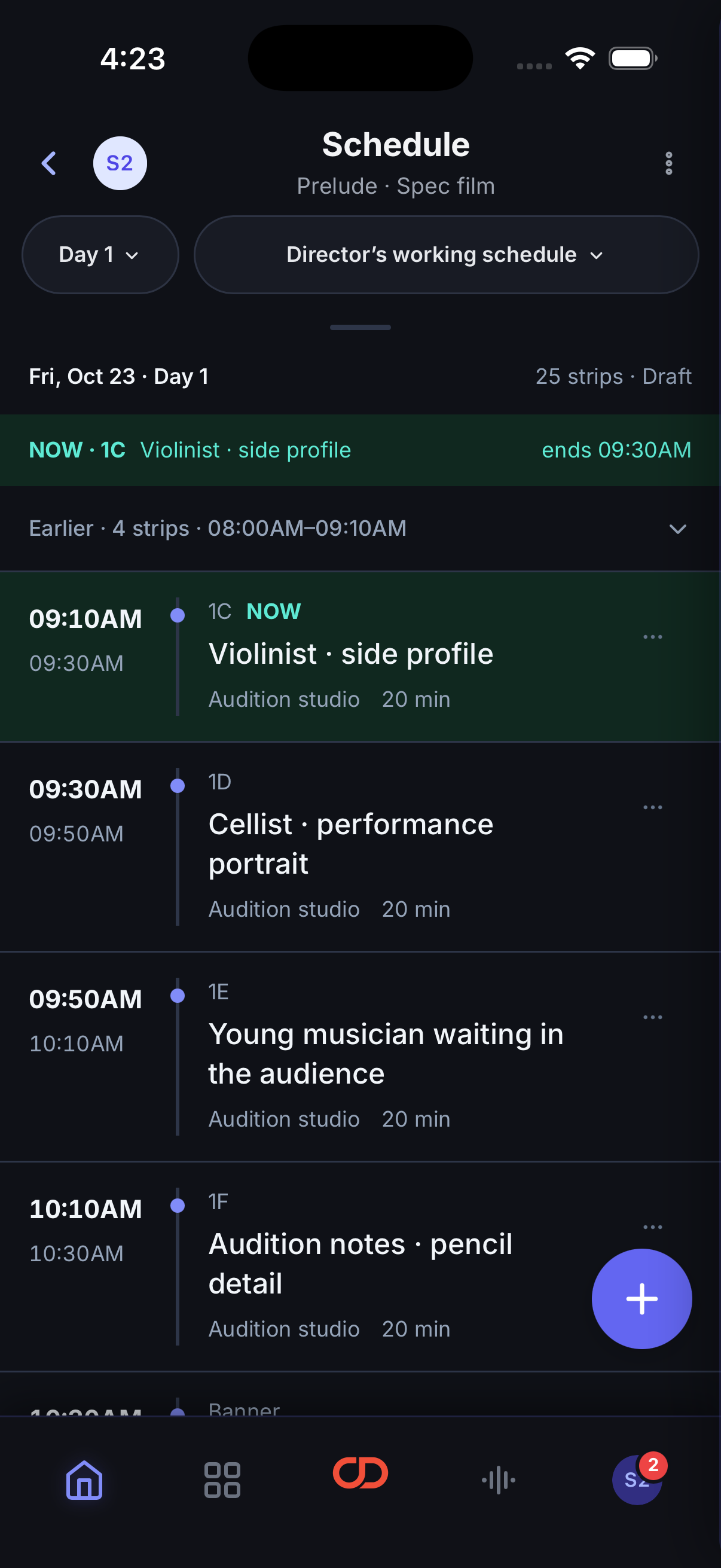
Adapt your layout. Assign production fields. Match each company’s branding.
03
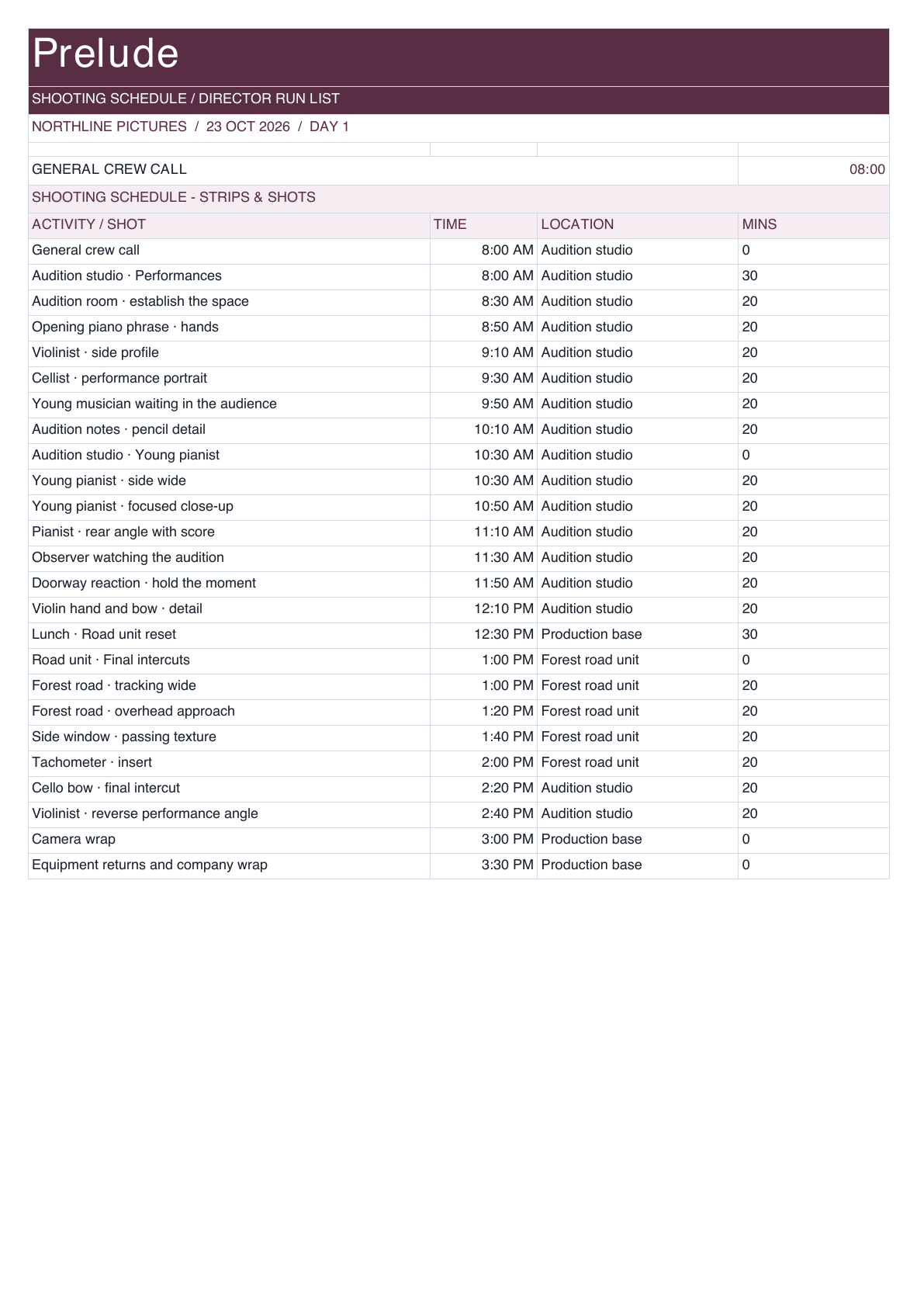
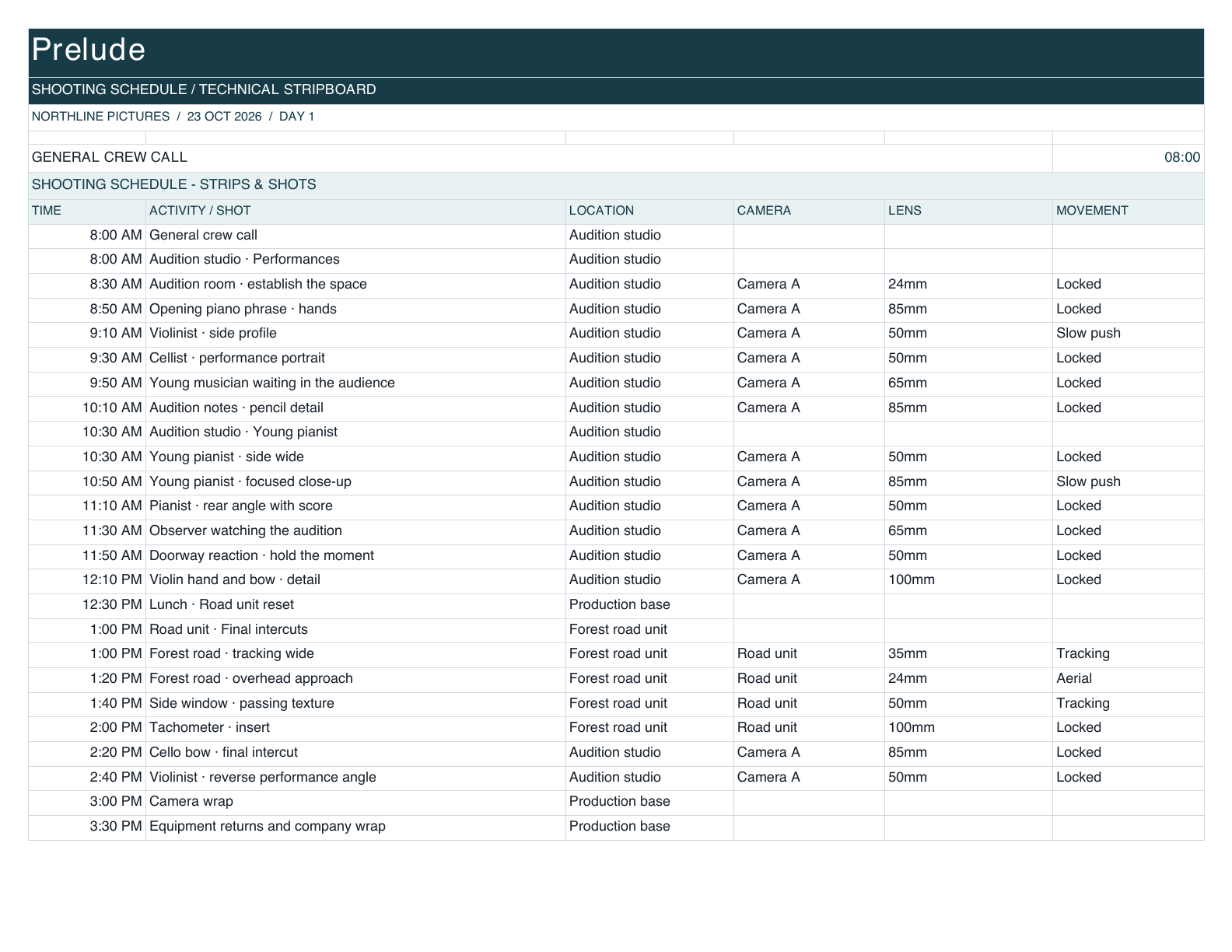
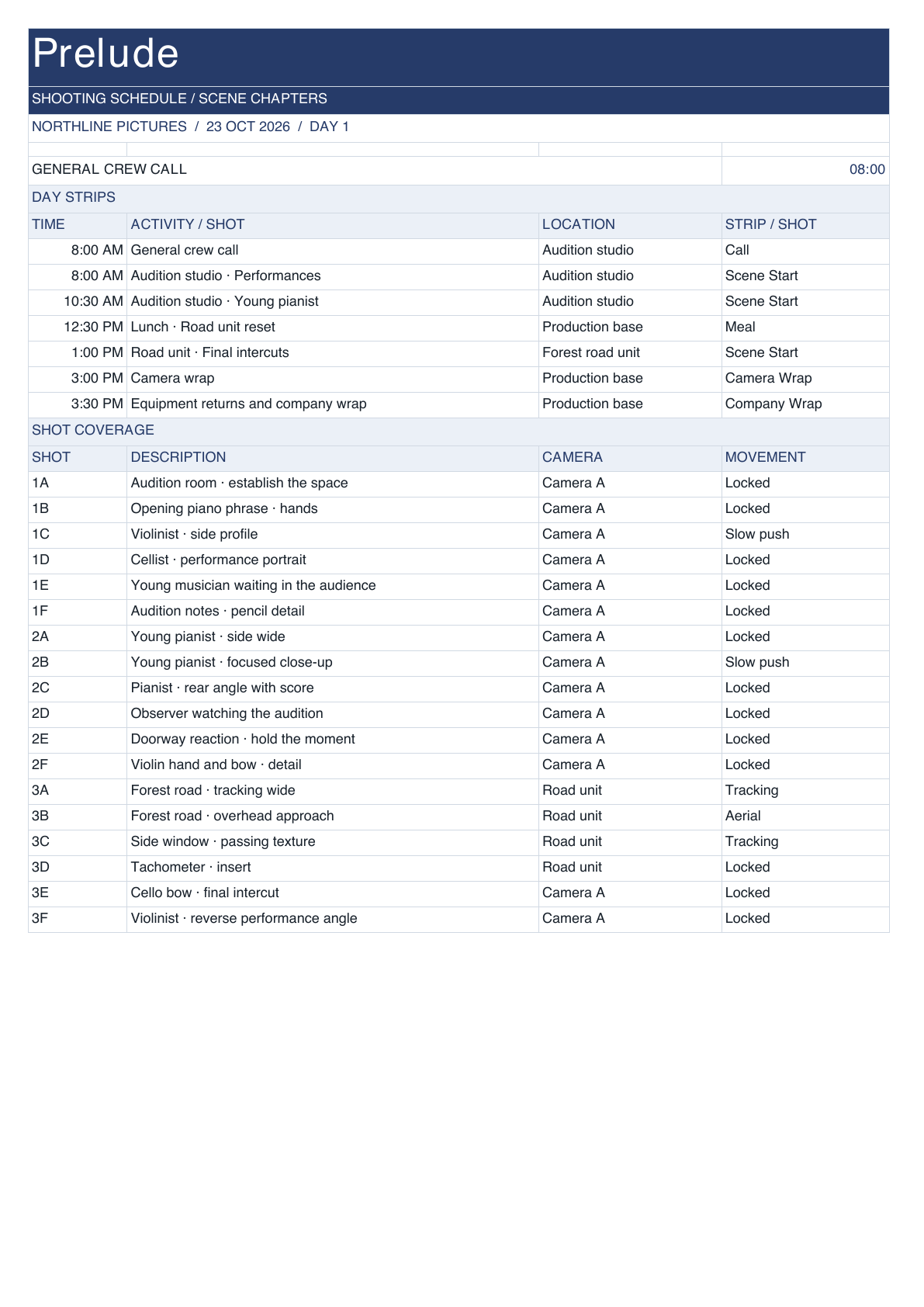
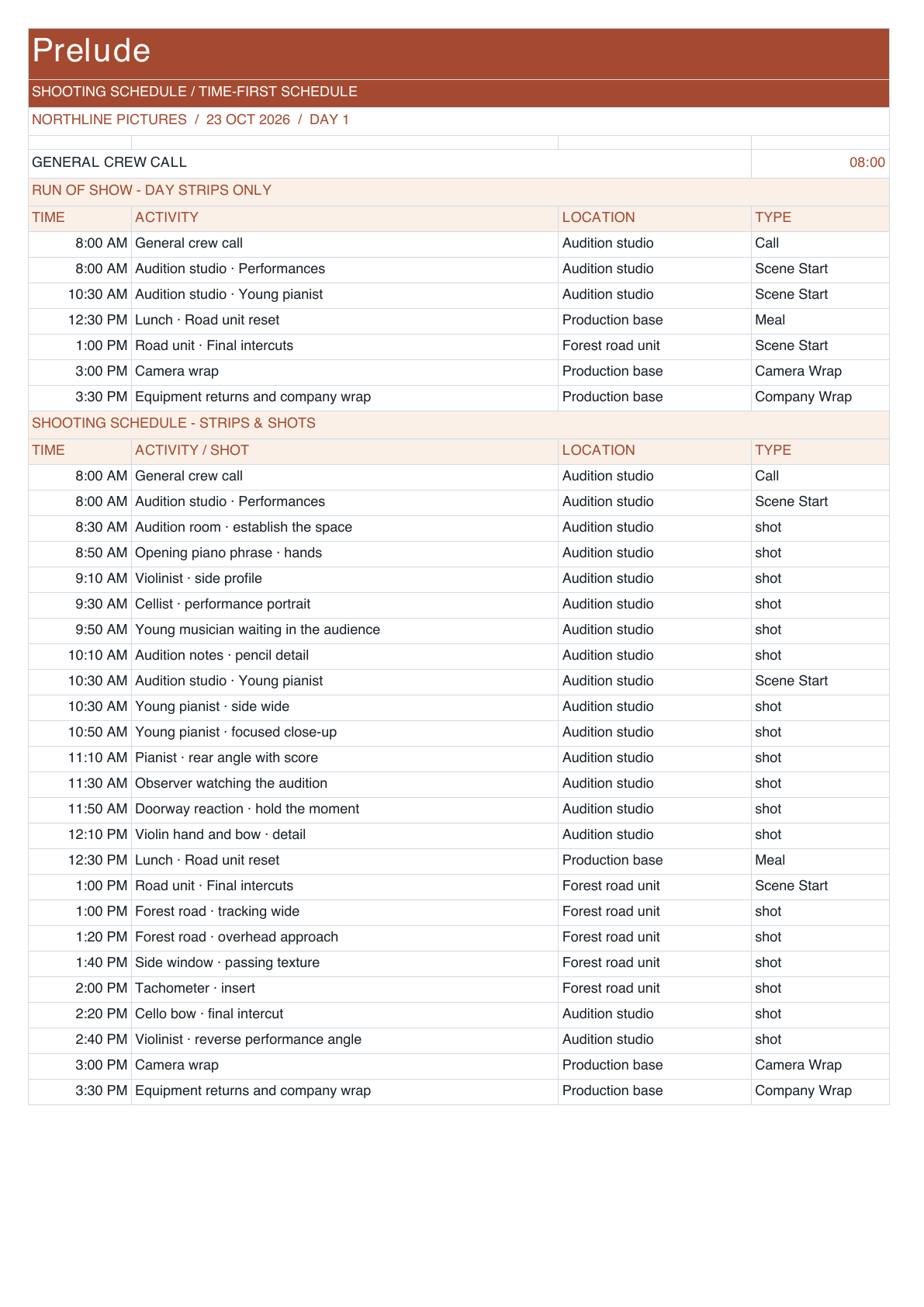
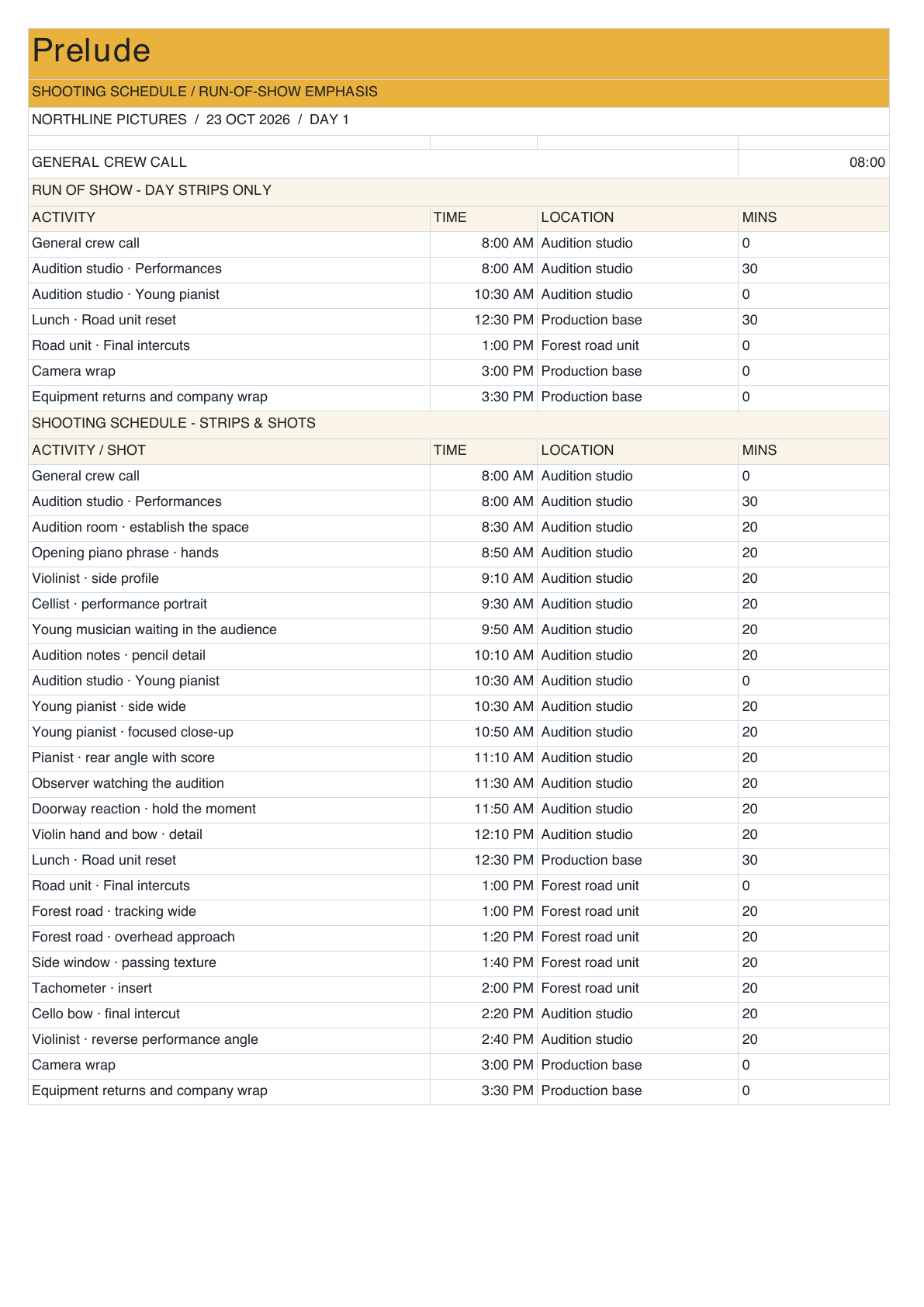
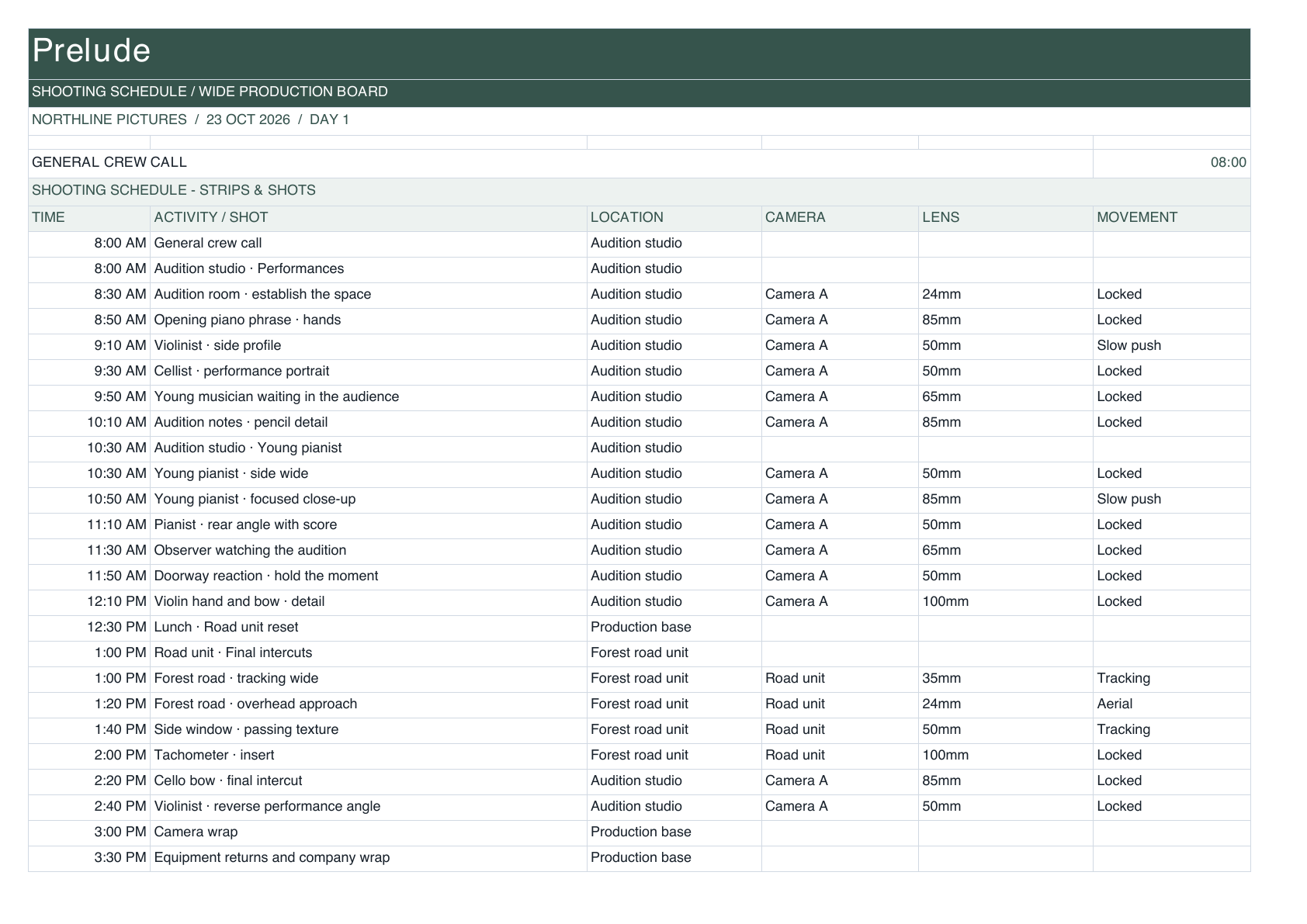
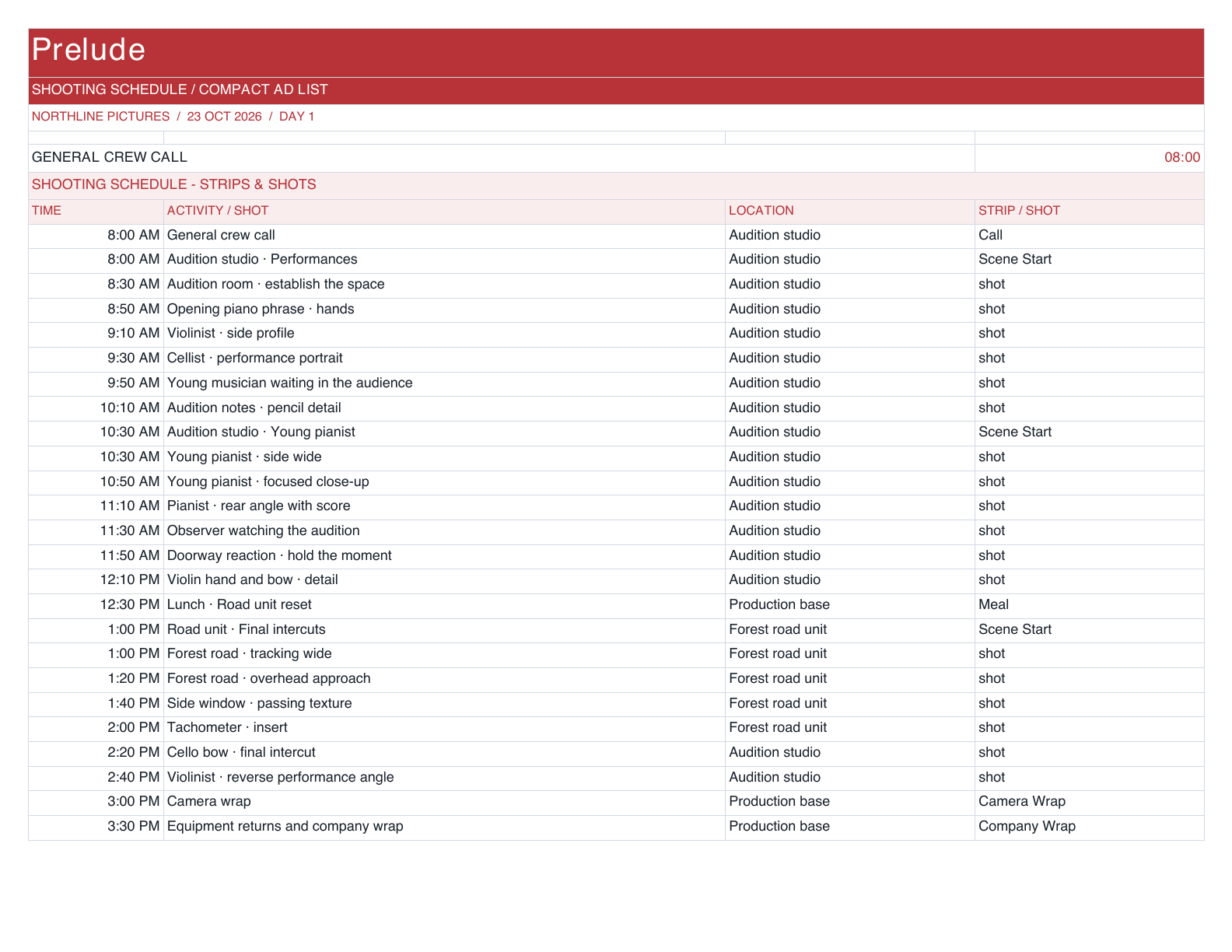
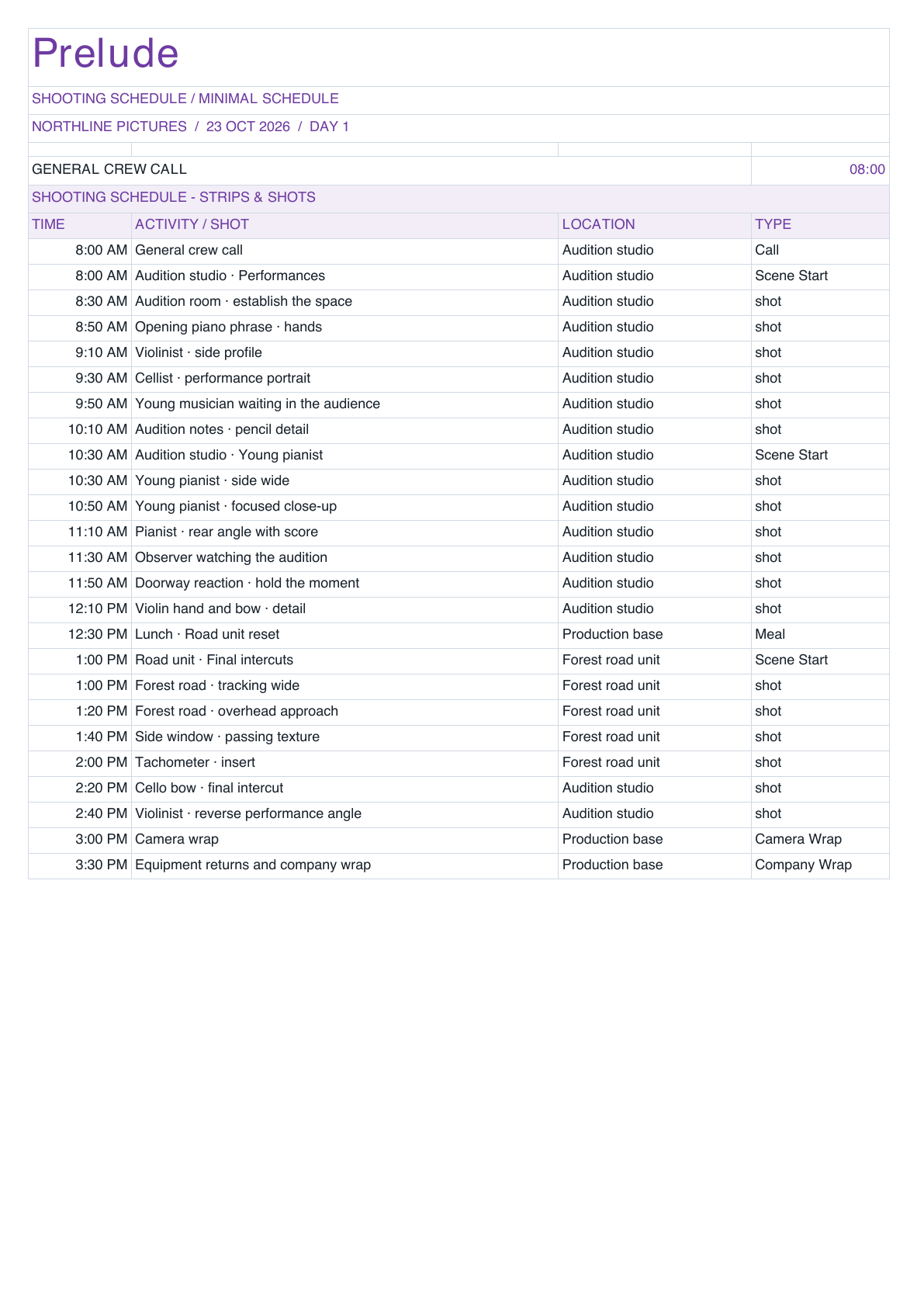
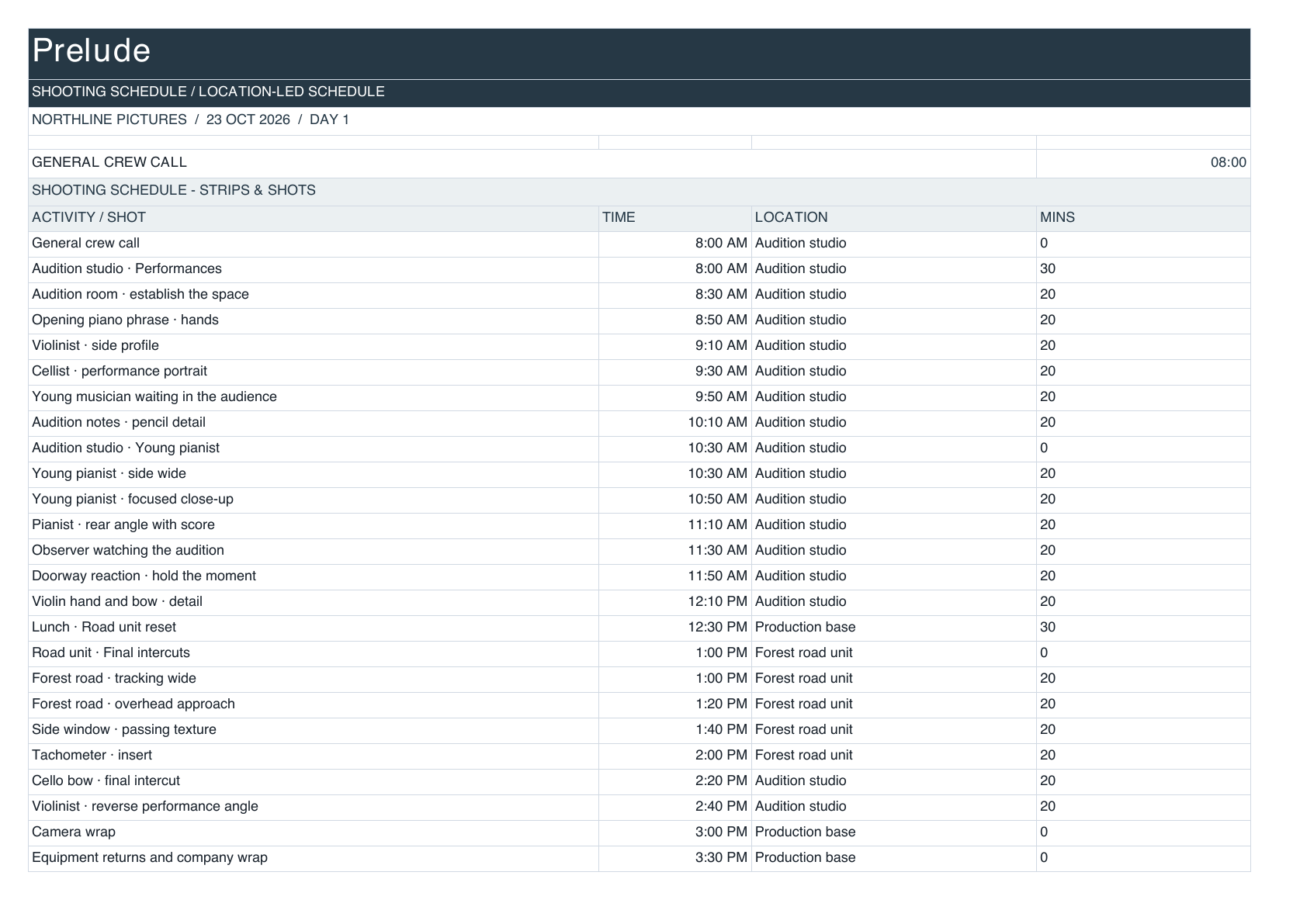
Keep each company’s files, folder structure, branding, and assigned documents in one familiar workspace.
With Personal, share projects with collaborators and control what each person can view or edit.
Bring schedules, call sheets, budgets, routes, reports, and e-signatures together for every production you work on.
Documents, connected
Bring production data, your company’s documents, and e-signatures into one connected workflow.
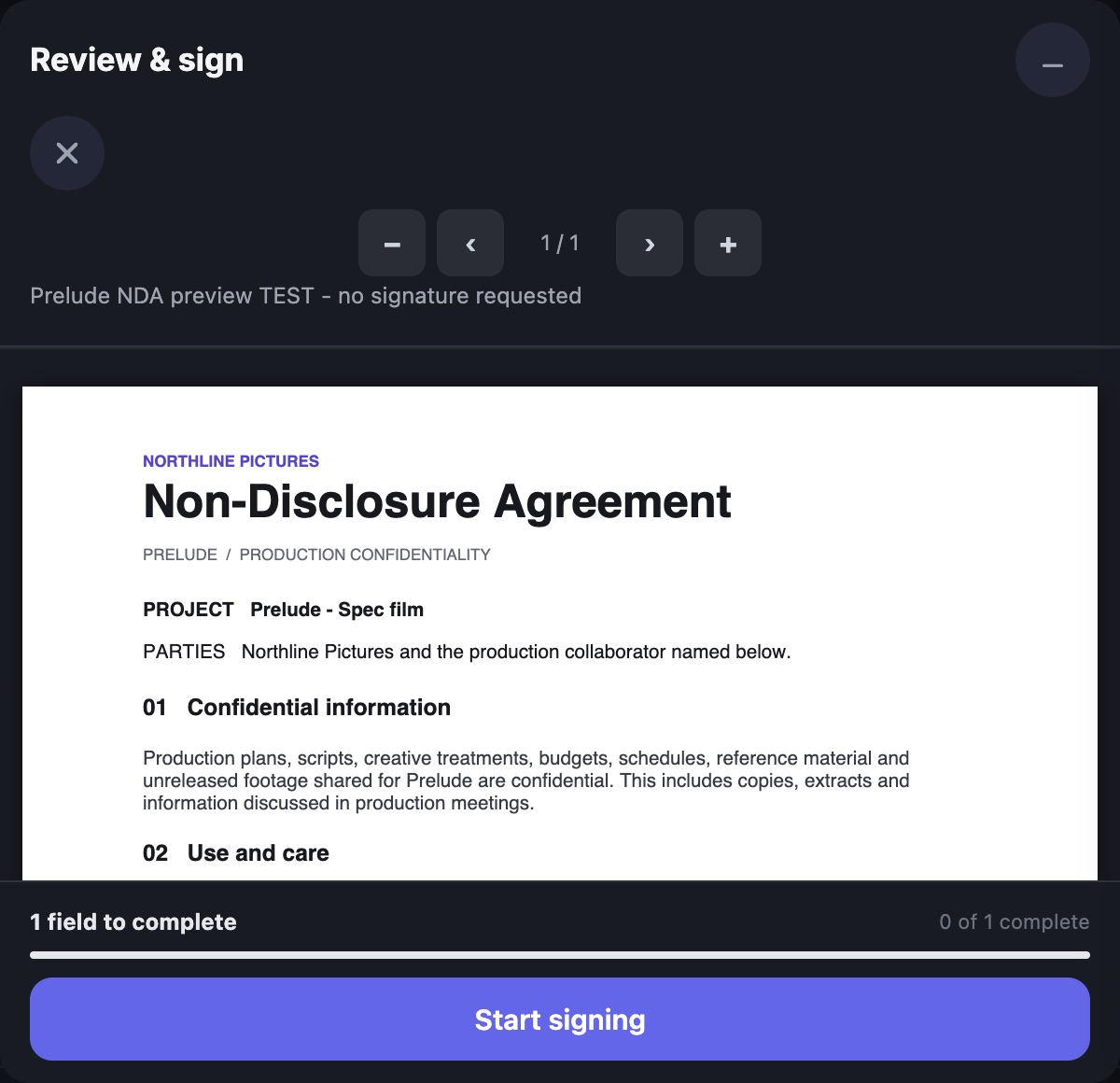
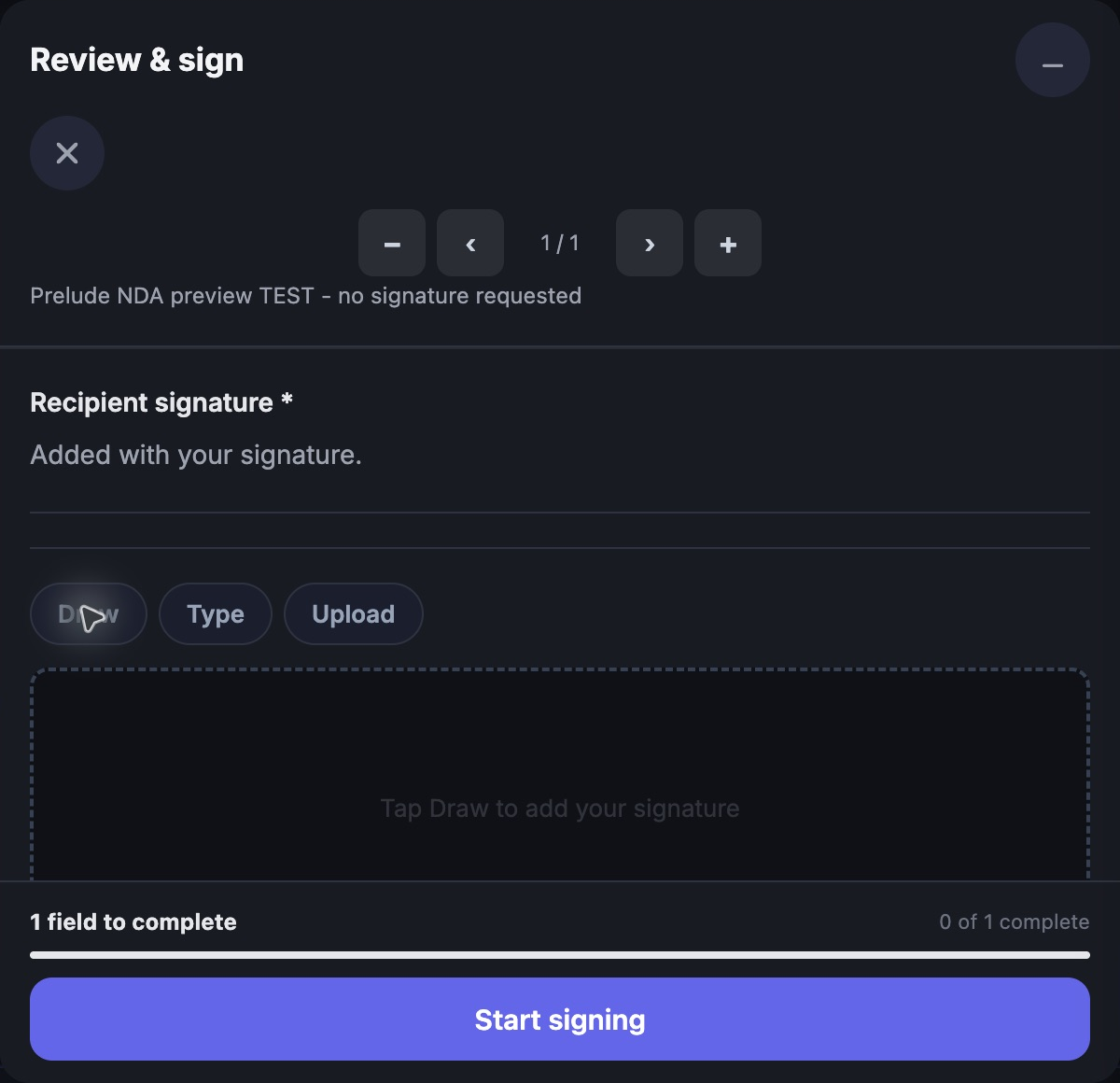
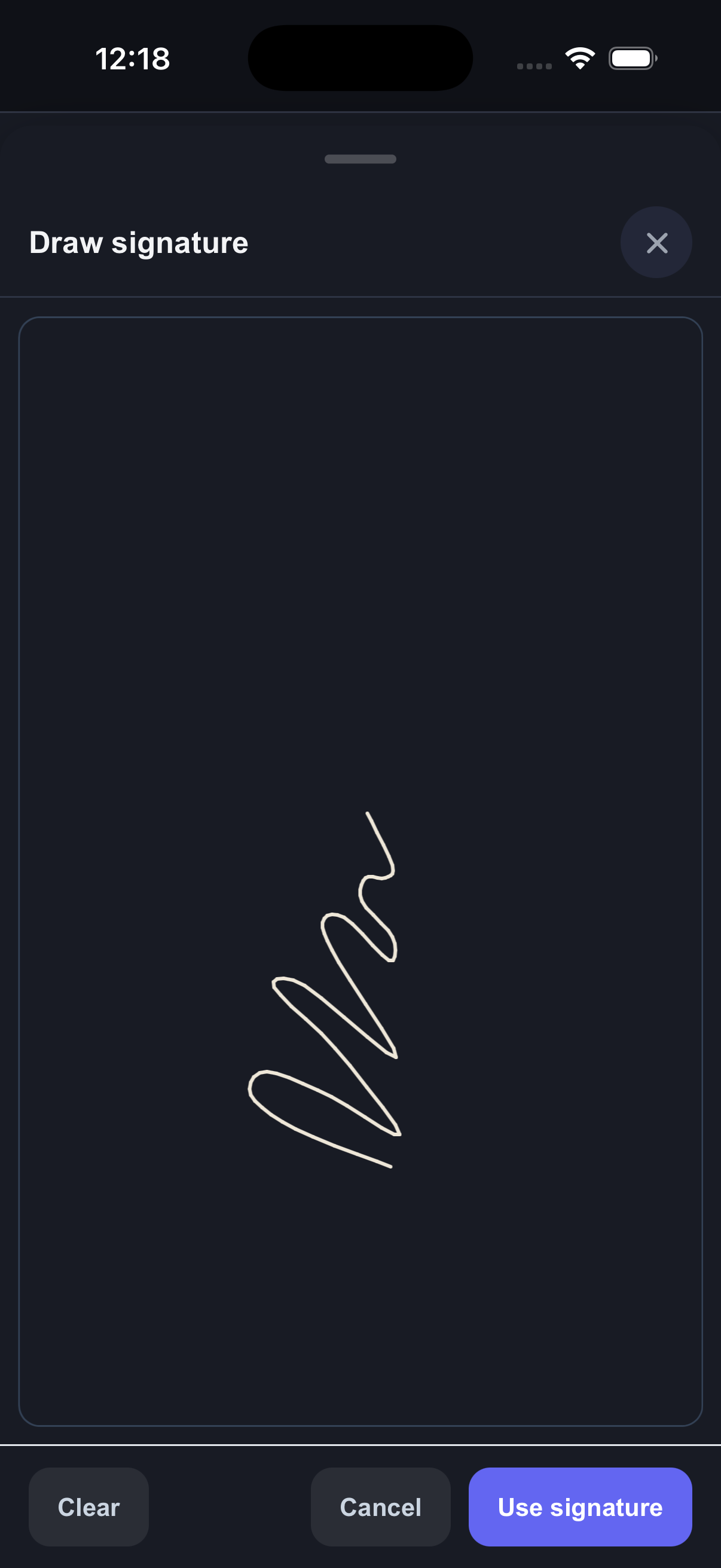
Review on desktop. Sign with your phone. All in CrewDeck.
Connect the details from your production tools to your documents.
Customize the layout, apply your branding, and keep the formats your crew knows.
Prepare documents and collect e-signatures in CrewDeck.
The apps
Review a shot. Open a document. Keep the production moving.
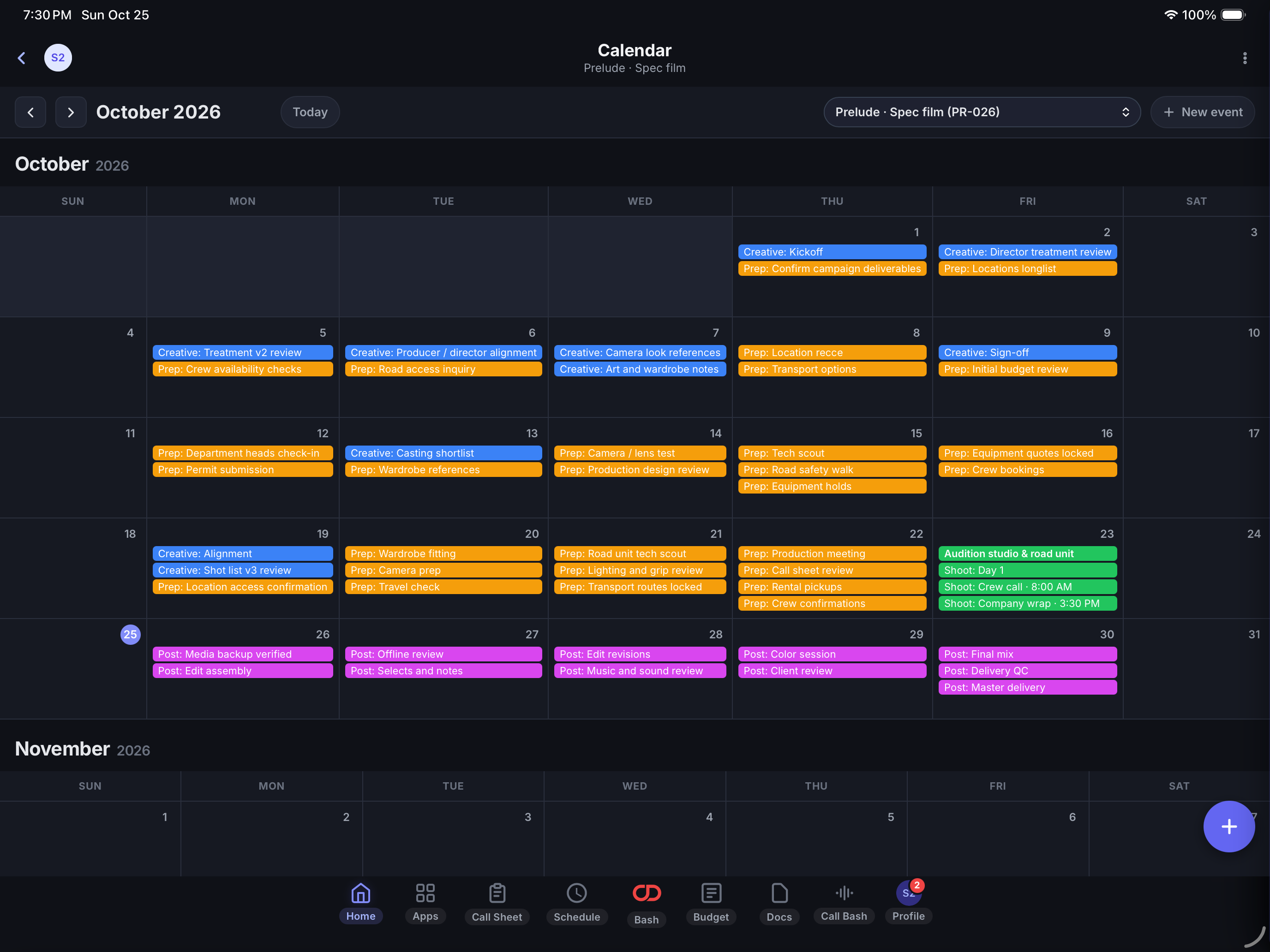
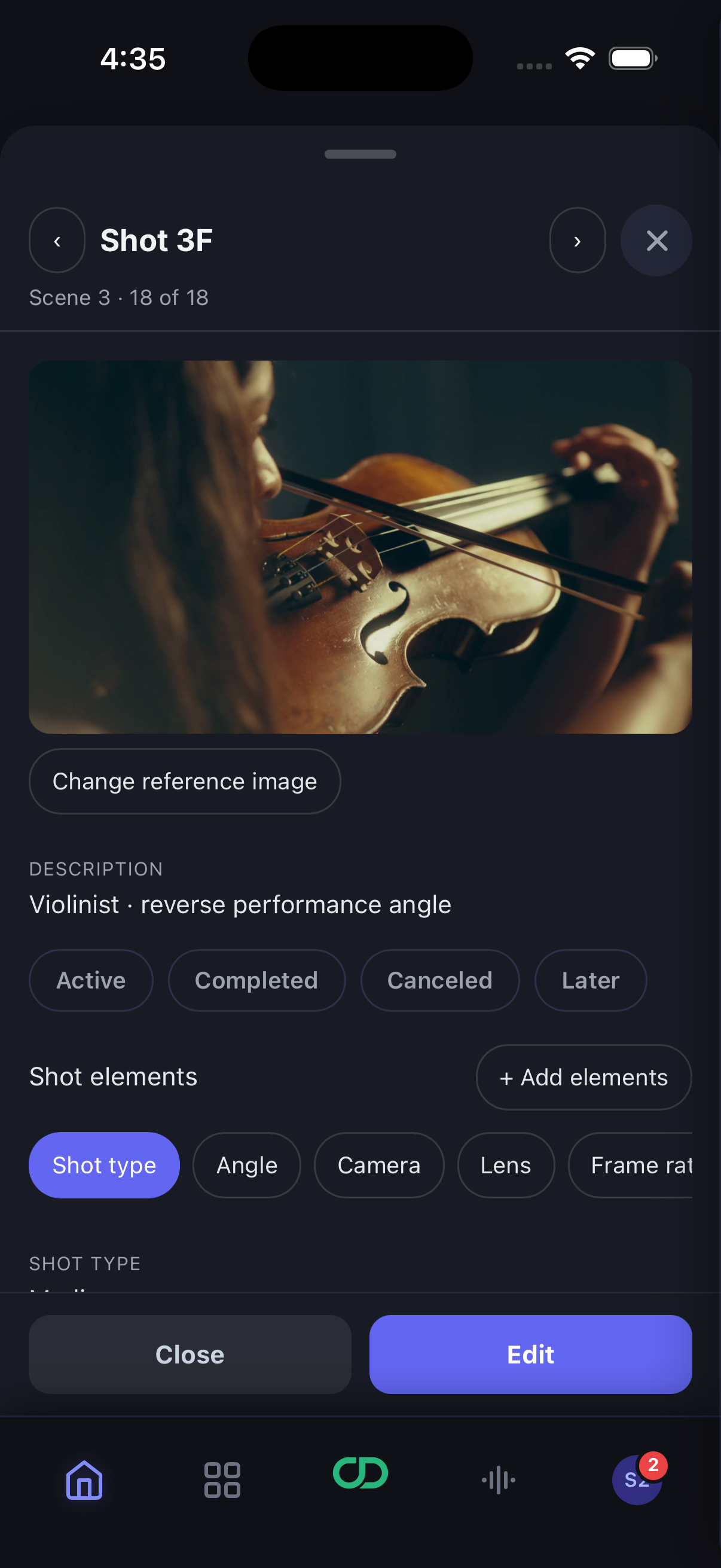
Personal for the productions you lead. Team for the company you run.
Run your own projects, keep each company’s files, branding and templates organized, and collaborate with other Personal subscribers.
Set what collaborators can view or edit.
Give your company a consistent workspace for files, templates and projects. Shared project tools work with any account.
Personal is included for the Team owner. Control access for each person.
Optional AI assistance
A helping hand for the production work around your ideas.
Ask about the projects and production information you can access.
Organize the notes you bring into clear, useful next steps.
Choose his name and color. Turn AI off in your personal settings whenever you like.
Why we built CrewDeck
Our mission is to reduce stress and anxiety in film production by making today’s technology work for the people behind it.
We built CrewDeck because we needed it. Producing and directing means keeping countless moving parts together. We wanted a better way to plan our shoots, with less pressure on the people making them happen. That need came first. Now, we’re sharing what we built.
More time creating.
Less time holding it all together.
Actively in closed beta
When open beta launches, everyone gets a two-week free trial.
CrewDeck Resources
Practical guides to the tools, documents and workflows in CrewDeck.
Try a tool name, a workflow or a different category.